Federico Viticci

10804 posts on MacStories since April 2009

Federico is the founder and Editor-in-Chief of MacStories, where he writes about Apple with a focus on apps, developers, iPad, and iOS productivity. He founded MacStories in April 2009 and has been writing about Apple since. Federico is also the co-host of AppStories, a weekly podcast exploring the world of apps, Unwind, a fun exploration of media and more, and NPC: Next Portable Console, a show about portable gaming and the handheld revolution.

David Smith’s iOS 10 and watchOS 3 App Updates

I’m a fan of David Smith’s apps for the Apple Watch. He gets what makes an app great on the Watch, and his focus on health and fitness resonates with me. David shipped some solid iOS 10 and watchOS 3 updates today – but Background Refresh in Sleep++ is my favorite:

Sleep++ has been updated to take advantage of the new Background Refresh mechanism in watchOS 3. Now rather than performing all of the sleep analysis in the morning when you wake up, instead it is able to analyze your night while you are sleeping. So when you wake up only the last few minutes of the night need to be processed. The end result of this is that you should barely seen the Analyzing Night progress dialog any more.

I have a feeling that Background Refresh will make me re-evaluate several Watch apps I stopped using (except David’s – one of the very few apps on my Watch).

Permalink

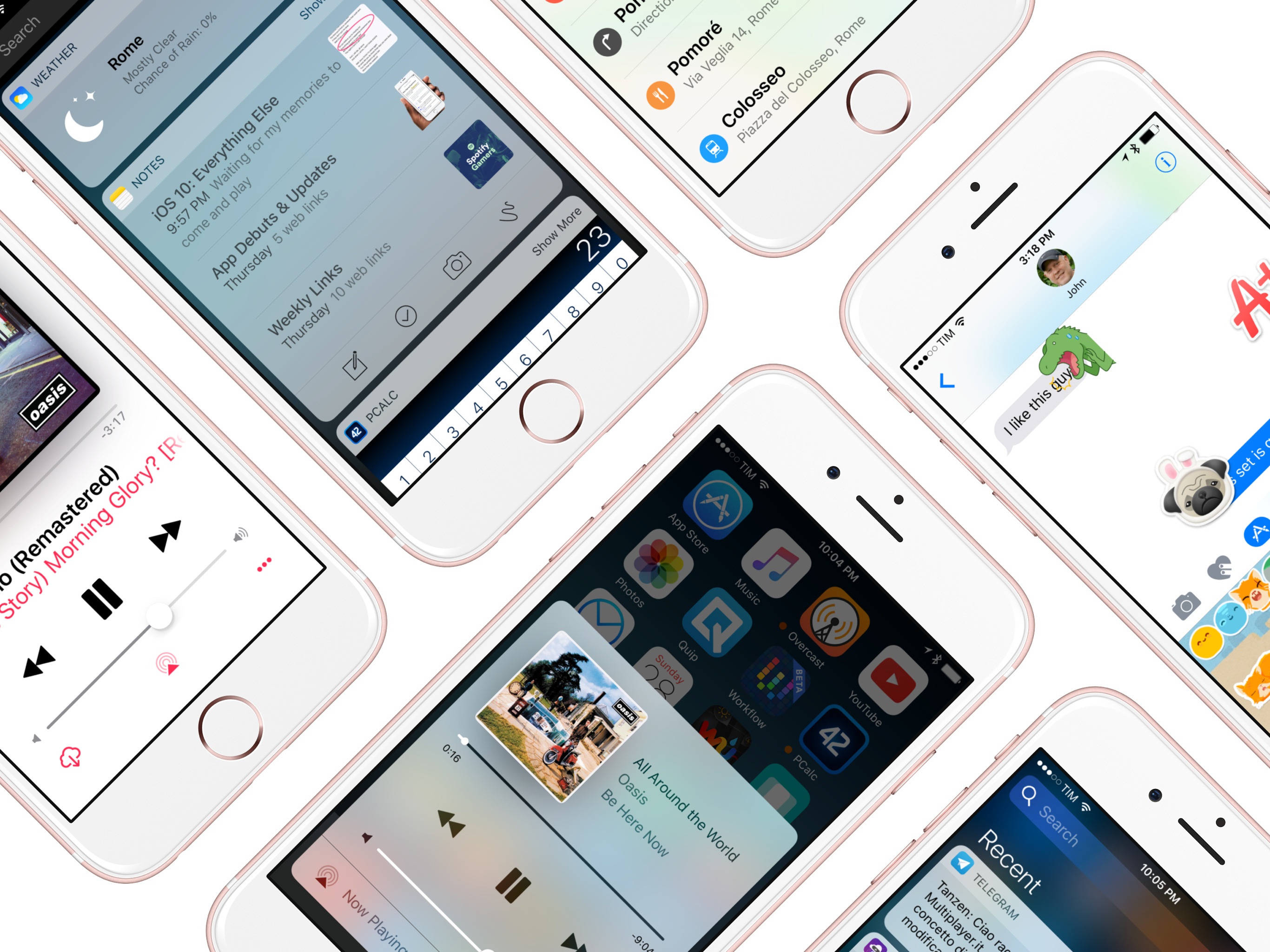
iOS 10: The MacStories Review

Sometimes, change is unexpected. More often than not, change sneaks in until it feels grand and inevitable. Gradually, and then suddenly. iOS users have lived through numerous tides of such changes over the past three years.

iOS 7, introduced in 2013 as a profound redesign, was a statement from a company ready to let go of its best-selling OS’ legacy. It was time to move on. With iOS 8 a year later, Apple proved that it could open up to developers and trust them to extend core parts of iOS. In the process, a new programming language was born. And with last year’s iOS 9, Apple put the capstone on iOS 7’s design ethos with a typeface crafted in-house, and gave the iPad the attention it deserved.

You wouldn’t have expected it from a device that barely accounted for 10% of the company’s revenues, but iOS 9 was, first and foremost, an iPad update. After years of neglect, Apple stood by its belief in the iPad as the future of computing and revitalized it with a good dose of multitasking. Gone was the long-held dogma of the iPad as a one-app-at-a-time deal; Slide Over and Split View – products of the patient work that went into size classes – brought a higher level of efficiency. Video, too, ended its tenure as a full-screen-only feature. Even external keyboards, once first-party accessories and then seemingly forgotten in the attic of the iPad’s broken promises, made a comeback.

iOS 9 melded foundational, anticipated improvements with breakthrough feature additions. The obvious advent of Apple’s own typeface in contrast to radical iPad updates; the next logical step for web views and the surprising embrace of content-blocking Safari extensions. The message was clear: iOS is in constant evolution. It’s a machine sustained by change – however that may happen.

It would have been reasonable to expect the tenth iteration of iOS to bring a dramatic refresh to the interface or a full Home screen makeover. It happened with another version 10 beforetwice. And considering last year’s iPad reboot, it would have been fair to imagine a continuation of that work in iOS 10, taking the iPad further than Split View.

There’s very little of either in iOS 10, which is an iPhone release focused on people – consumers and their iPhone lifestyles; developers and a deeper trust bestowed on their apps. Like its predecessors, iOS 10 treads the line of surprising new features – some of which may appear unforeseen and reactionary – and improvements to existing functionalities.

Even without a clean slate, and with a release cycle that may begin to split across platforms, iOS 10 packs deep changes and hundreds of subtle refinements. The final product is a major leap forward from iOS 9 – at least for iPhone users.

At the same time, iOS 10 is more than a collection of new features. It’s the epitome of Apple’s approach to web services and AI, messaging as a platform, virtual assistants, and the connected home. And as a cornucopia of big themes rather than trivial app updates, iOS 10 shows another side of Apple’s strategy:

Sometimes, change is necessary.

Read more



    MacStadium Offers Large-Scale Mac Private Clouds for iOS Testing [Sponsor]

    MacStadium offers Mac CI infrastructure at a scale that no one else can match. Recently ranked #44 on the Inc. 5000 list of America’s fastest growing private companies, they offer Mac private clouds for iOS testing in some of the largest startups in the world.

    With new versions of iOS and macOS, there will be a lot of development and testing to get apps updated and created. MacStadium can put together a Mac cloud at the size you need. They can usually do it quicker and with less expense than doing it in-house for your company. Some benefits:

    • From a few Mac Pros to hundreds, MacStadium can scale with you quickly
    • Pure flash storage provides up to 150,000 32K IOPS at <1ms average latency
    • Three global locations to offer fast access to all your developers and testers
    • 24/7 support with unlimited Internet and network usage
    • Consolidate to a completely private network for macOS, Linux and Windows in one place

    Chat with an engineer or customize your Mac Cloud on the MacStadium Private Cloud page.

    Our thanks to MacStadium for sponsoring MacStories this week.


    Club MacStories, Year One: Celebrating with Club MacStories Anniversary Month

    When I announced Club MacStories almost a year ago, I wrote:

    But, at the same time, I’m also ready for more – something a bit more focused and dedicated to our biggest fans, built with care every week and delivered with the same passion that we put into MacStories every day. Club MacStories is a new challenge for us, but I know that I, Graham, and the rest of the MacStories team can pull it off consistently and with the quality you expect from MacStories.

    If you love MacStories as much as we love making it, I hope you’ll consider becoming a Club MacStories member. This isn’t just about good feelings and supporting MacStories directly (although that’s pretty great): you’ll receive what I believe are useful and informative newsletters every week, plus a recap of everything MacStories and more every month.

    A year later, I couldn’t be happier with the progress of Club MacStories and the response from Club members. In twelve months, we’ve delivered 60 newsletters (if you’re counting: 48 issues of MacStories Weekly out of 51 weeks). We’ve featured discounts, giveaways, and eBook downloads exclusive to members, and our team has grown thanks to John’s contributions to the Club.

    I’m happy, signups to the Club keep growing on a weekly basis, and we continue to think about how to offer even more content for Club MacStories. I’m extremely thankful to everyone who’s considered the Club and signed up.

    I don’t like dwelling on self-celebrations, but a year of weekly content in addition to the site is an important milestone for us. And so, as the anniversary date was approaching, I thought it’d be appropriate to give back to our readers, show our appreciation, and celebrate the first year of Club MacStories together.

    What better way than discounts on great software, exclusively for Club MacStories members?

    Read more


    Canvas, Episode 18: Watching Video on iOS

    This week Fraser and Federico take a look at a leisure activity on iOS: watching video.

    On the latest episode of Canvas, Fraser and I covered the best options for watching video on iOS. Whether you want to watch movies, TV shows, online video, or something else, there are plenty of options on iOS. You can listen here.

    Sponsored by:

    • Pingdom: Start monitoring your websites and servers today. Use offer CANVAS for 20% off.
    Permalink

    Igloo: An Intranet You’ll Actually Like [Sponsor]

    Information is coming from everywhere: email, files, chat, the 30+ cloud-based apps we use every day — it’s getting harder to keep things simple. Igloo is a modern intranet that makes sense of the modern world.

    Stay connected with people by using newsfeeds and integrated chat apps; get the information you need with (easy to navigate and secure) file storage and apps you already use like Zendesk and Salesforce; and keep work moving with instant notifications and document controls.

    The modern workplace is anywhere with an internet-connected device — and a modern intranet like Igloo works wherever you do.

    See what your company has been missing and try Igloo for free today.

    Our thanks to Igloo for sponsoring MacStories this week.