Federico Viticci

10804 posts on MacStories since April 2009

Federico is the founder and Editor-in-Chief of MacStories, where he writes about Apple with a focus on apps, developers, iPad, and iOS productivity. He founded MacStories in April 2009 and has been writing about Apple since. Federico is also the co-host of AppStories, a weekly podcast exploring the world of apps, Unwind, a fun exploration of media and more, and NPC: Next Portable Console, a show about portable gaming and the handheld revolution.

App Store Now Lets You Download Not-Available Apps, Like Tweetie 1

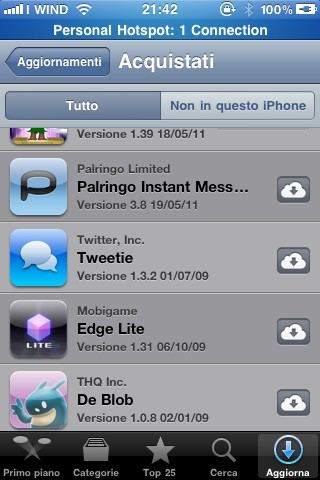
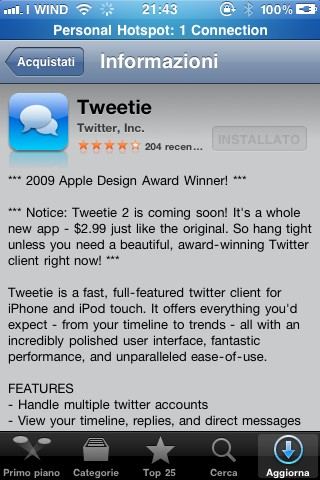
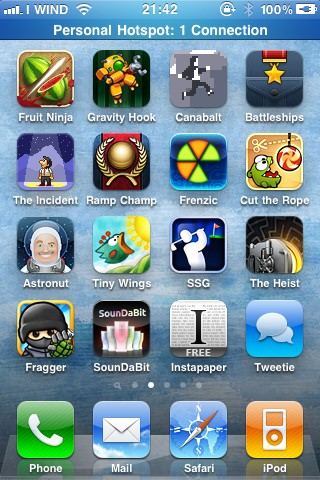
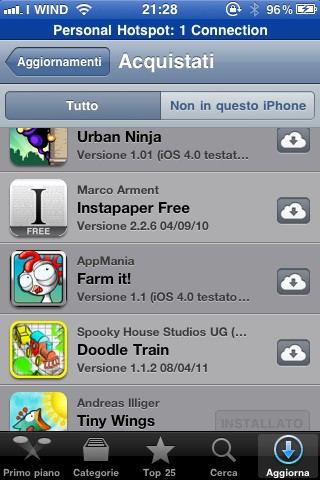
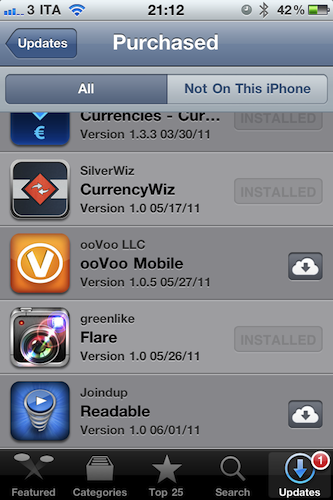
Great news coming from the updated App Store application featuring the new Purchased tab: as noticed by our reader Nicola, you can download, install and run apps no longer available in the App Store, like the original Tweetie 1 or Instapaper Free. The apps appear in your purchase history alongside the usual description and screenshots page.

Unfortunately, due to Twitter’s changes, Tweetie 1 doesn’t work anymore – still this looks like a great option to fill your app library with software developers removed from sale. It might also be a temporary glitch on Apple’s end – we’re not sure. But for now, you can download apps that don’t appear in the App Store listings.


MobileMe No Longer Accepting Subscribers, Runs Until June 30, 2012

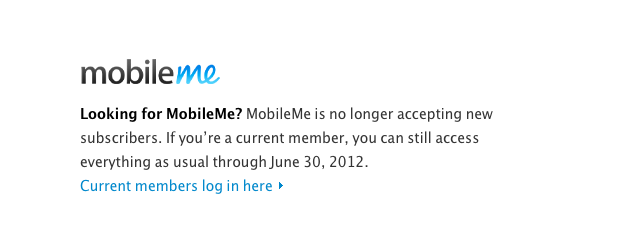
Following the massive iCloud announcements at WWDC, Apple just updated the official MobileMe page to inform users that new subscribers are no longer accepted as Apple moves everything to iCloud, but existing apps will be usable until June 30, 2012. Furthermore, Apple has posted more details on a new support document available here. All accounts have been extended to June 30, 2012, free of charge and all data from MobileMe (including email addresses and contacts) will be automatically transitioned to iCloud when you sign up.

Can I create a new MobileMe account?

You can no longer create a new 60-day trial account or start a new subscription using a code contained in a MobileMe box. However, if you have a Family Pack subscription, you can still create new family member accounts.

Can I upgrade to a Family Pack or purchase additional storage?

Effective June 6, 2011, you can no longer upgrade your Individual account to a Family Pack or purchase additional storage for your MobileMe account.

I purchased a MobileMe box and have not used the activation code inside. Can I get refund for it?

Yes. If you have an unused activation code from a MobileMe box, you can submit a refund request.

For more info about iCloud, check out our coverage here.


iTunes In the Cloud: Free, Or Scan Your Library and Match Songs at $24.99 Per Year

Once again, the rumors were real – Apple has just introduced iTunes In The Cloud at its WWDC keynote. The new system will allow you to get access to all your previously purchased songs on device from a new Purchased tab in the iTunes Store (similar to Purchased apps in the new App Store) and download items at any time. More importantly, the new cloud will allow you to push a single purchase to multiple devices at once – a first in the music industry, Steve Jobs said.

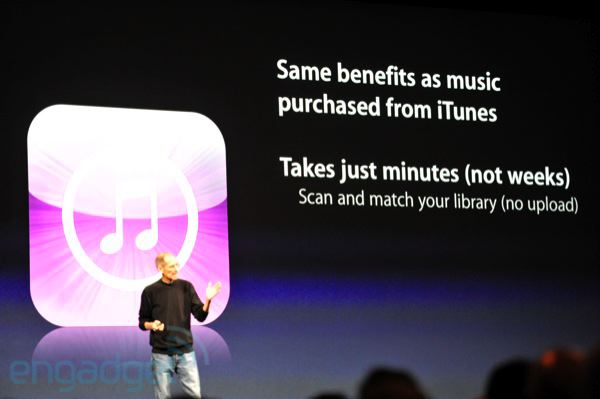
But the real new feature was unveiled on stage as a “one more thing” by Apple CEO. As previous rumors and speculation suggested, iTunes in the cloud would be more than simple pushing and updating of songs from the iTunes Store. Besides the usual sync (and the new WiFi one?) and iTunes Store, Apple will offer a new iTunes Match service that scans your music library, and matches it with Apple’s catalogue of 18 million songs in the cloud. iTunes Match comes at a price: $24.99 per year.

In additions, iTunes Match will upgrade the songs to 256k AAC DRM free. And it costs just $24.99 per year. So if you’ve got a bunch of music that you didn’t get from iTunes, you can get it in the cloud. Now if you look at some competitors, you’ll be surprised. We scan and match, the other guys you have to upload the whole collection. The other guys only have web apps. For 5000 songs, Amazon is $50. Even up to 20,000 songs, we’re one flat price.

The new iTunes in the cloud will be available as developer beta today.

Update: it looks like “some music features” of iCloud will be available in the US only while in beta. We assume the new iTunes Match service will be US-only during this period. From Apple’s official iCloud page:

Features are subject to change. Access to some services is limited to 10 devices. See www.apple.com/legal/itunes/ww/ for more information. Some features of iCloud require iOS 5 on iPhone 3GS, iPhone 4, iPod touch (3rd and 4th generation), iPad, or iPad 2, or a Mac computer with OS X Lion or a PC with Windows Vista or Windows 7 (Outlook 2007 or 2010 recommended). Some music features of iCloud are available in beta now in the U.S. only and require iOS 4.3.1 on iPhone 3GS, iPhone 4 (GSM model), iPod touch (3rd and 4th generation), iPad, or iPad 2, or a Mac or PC with iTunes 10.3.

Read more


iCloud: iWork Apps, Document Storage, Developer API

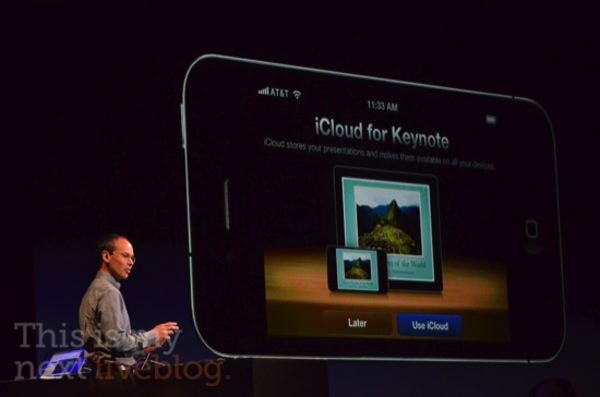
iCloud is currently being demoed at the WWDC keynote in San Francisco, and besides being a full replacement for MobileMe that does a lot of things (including App Store downloads and backups) for free, new features have been demoed as well. For instance, iWork integration: the iWork apps on the iPhone and iPad will get the possibility t0 push documents to iCloud and download them – it runs on all devices, iCloud will update the documents you’ve been working on and push them to all your other devices. The functionality has already been implemented in the iWork for iOS update from last week.

Then, iCloud features document storage and an API for developers so all apps can store documents in the cloud, push them around to devices, and automatically update those documents as changes happen on a user’s end. It works on Macs and PCs as well, and we’re expecting several developers to take advantage of this API (which is said to be very easy to implement) within the next few weeks through the iOS 5 betas.

Photos courtesy of This is my Next.


iOS 5: Beta Today, Ships This Fall, Runs on 3GS

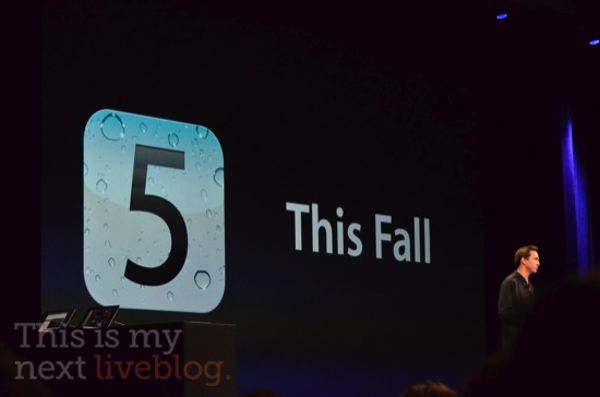
After all the previewed features and great news about iOS 5 (OTA updates, wireless sync, new apps, iMessage), Apple confirmed that iOS 5 will ship this Fall (perhaps with a new iPhone?), with a first developer seed available later today. The best part? Just like iOS 4, iOS 5 will run on your iPhone 4 and iPhone 3GS (unlike a previous report claimed, 3GS is supported), iPad and iPad 2, iPod touch 3rd and 4th gen.

Photos courtesy of This is my Next.


Apple Finally Brings Wireless Sync and OTA Software Updates to iOS

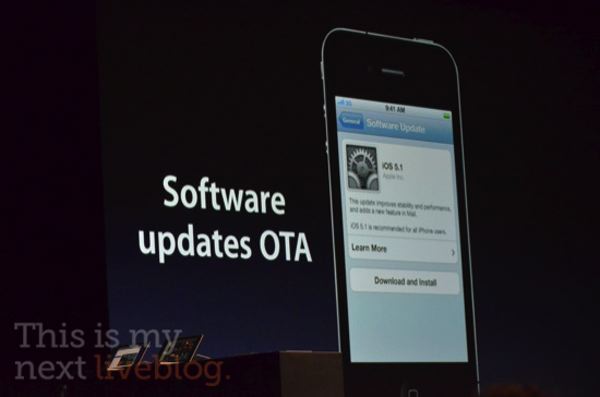
Following direct Twitter integration, Newsstand and all the new features of iOS 5, Apple has just announced what many were hoping for in the months leading up to today’s keynote: wireless syncing. Dubbed PC Free by Scott Forstall, the new feature will allow for a variety of cord-free functionalities such as no iTunes required for activation, over-the-air software updates, Delta updates to only download what’s changed in the new OS.

From This Is My Next:

We said, why do people go back to a computer? Calendars, people create or delete them. You can do that now. Photo editing, you can do it on the devices. Even mail — you can create folders. So if you want to cut the cord, you can. So you no longer need to plugin to update your software. And they’re now Delta updates. Instead of downloading the whole OS, you only download what’s changed.

More on this later when Apple will seed the first iOS 5 beta.

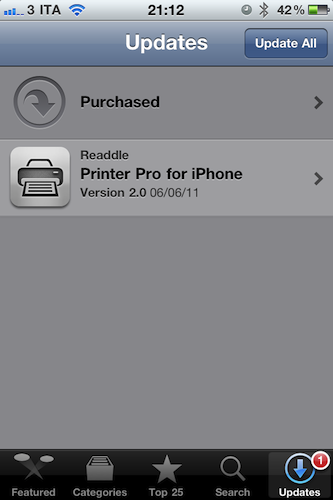
Update: new cloud-based features have also been introduced in the App Store app without needing an update. The App Store application on iOS 4.3 already has a new Purchased tab that, similarly to the Mac App Store, allows you to get a list of all the app you’ve previously bought, also from other devices.


iOS 5 Gets Twitter Integration: Photos, Contacts, Direct Tweeting

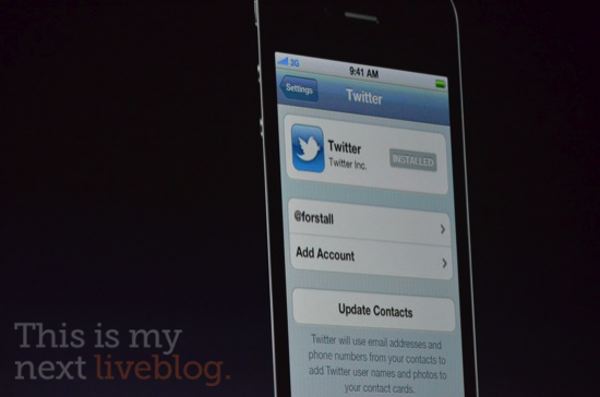
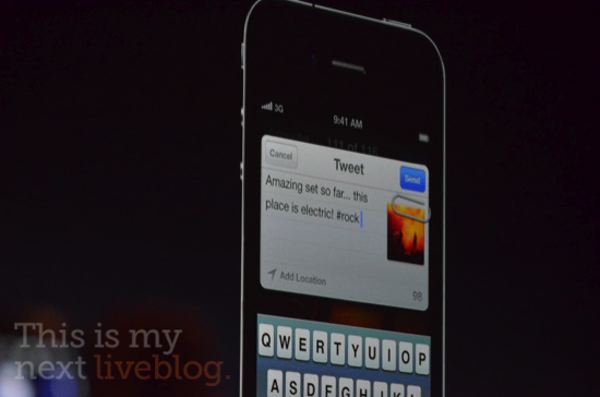
Rumors about iOS 5 getting “deep” Twitter integration were also true: the WWDC keynote revealed a few minutes ago that iOS 5 will indeed come with a new Twitter settings panel to authorize with your account on-device, and start tweeting pictures or web pages right away with the “Tweet Sheet”, a new system-wide popup menu used on the iPhone and iPad to send tweets. Twitter will also be integrated in the contacts to fetch profile pictures, as well as Maps, YouTube and Safari.


Official update from Twitter’s blog:

And today we’re working with Apple to make sharing on Twitter even easier: Twitter is built right into iOS 5, coming soon to iPhone, iPad and iPod touch devices worldwide.

This means that you’ll be able to sign in to your Twitter account once and then tweet with a single tap from Twitter-enabled apps, including Apple’s apps—Camera, Photos, Safari, Contacts, YouTube, and Maps. And developers of all of your favorite apps can easily take advantage of the single sign-on capability, letting you tweet directly from their apps too.

Photos courtesy of This is my Next.


iOS 5 Gets “Notification Center” With Completely New UI

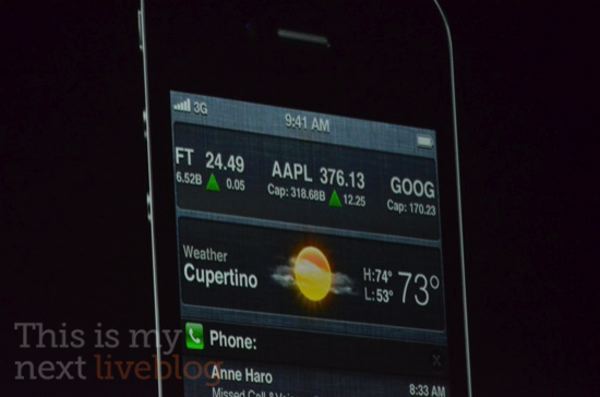
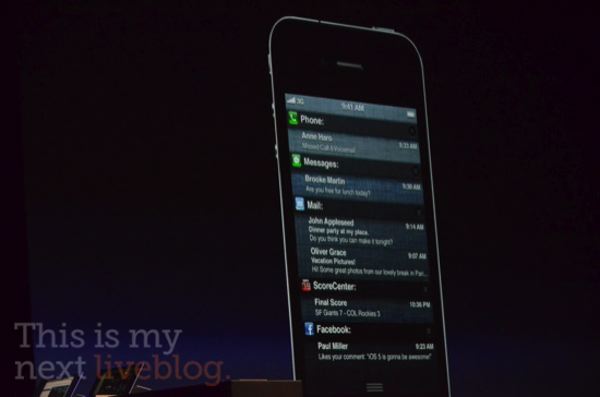
The rumors were true: at the WWDC keynote Scott Forstall has just unveiled the new notification system of iOS 5, which as reported earlier today looks similar to the way Android deals with notifications through a pulldown menu from the status bar. The new system reminds us of Cydia plugins LockInfo and Mobile Notifier (who creator Peter Hajas was recently hired by Apple) in the way it presents notifications in a single place, both anywhere on the Springboard and in the lock screen.

As a rumor from this morning suggested, you can swipe on messages in the Lock screen to launch the associated app, check out weather and stock widgets in the Notification Center pulldown menu, quickly dismiss notifications when they become visible at the top with a white interface.

Photos courtesy of This is my Next.