Posts in Linked

AppStories, Episode 81 – Mac and iOS App Convergence

On this week’s episode of AppStories, we consider what the new Marzipan apps in Mojave may mean for the future of apps on all of Apple’s hardware platforms.

Sponsored by:

  • Linode - High performance SSD Linux servers for all of your infrastructure needs. Get a $20 credit with promo code ‘appstories2018’
  • Downie - Easily download videos from thousands of different sites.

https://staging.macstories.net/podcasts/appstories/episodes/81/embed/

Permalink

An In-Depth Explanation of Computational Photography on the iPhone XS

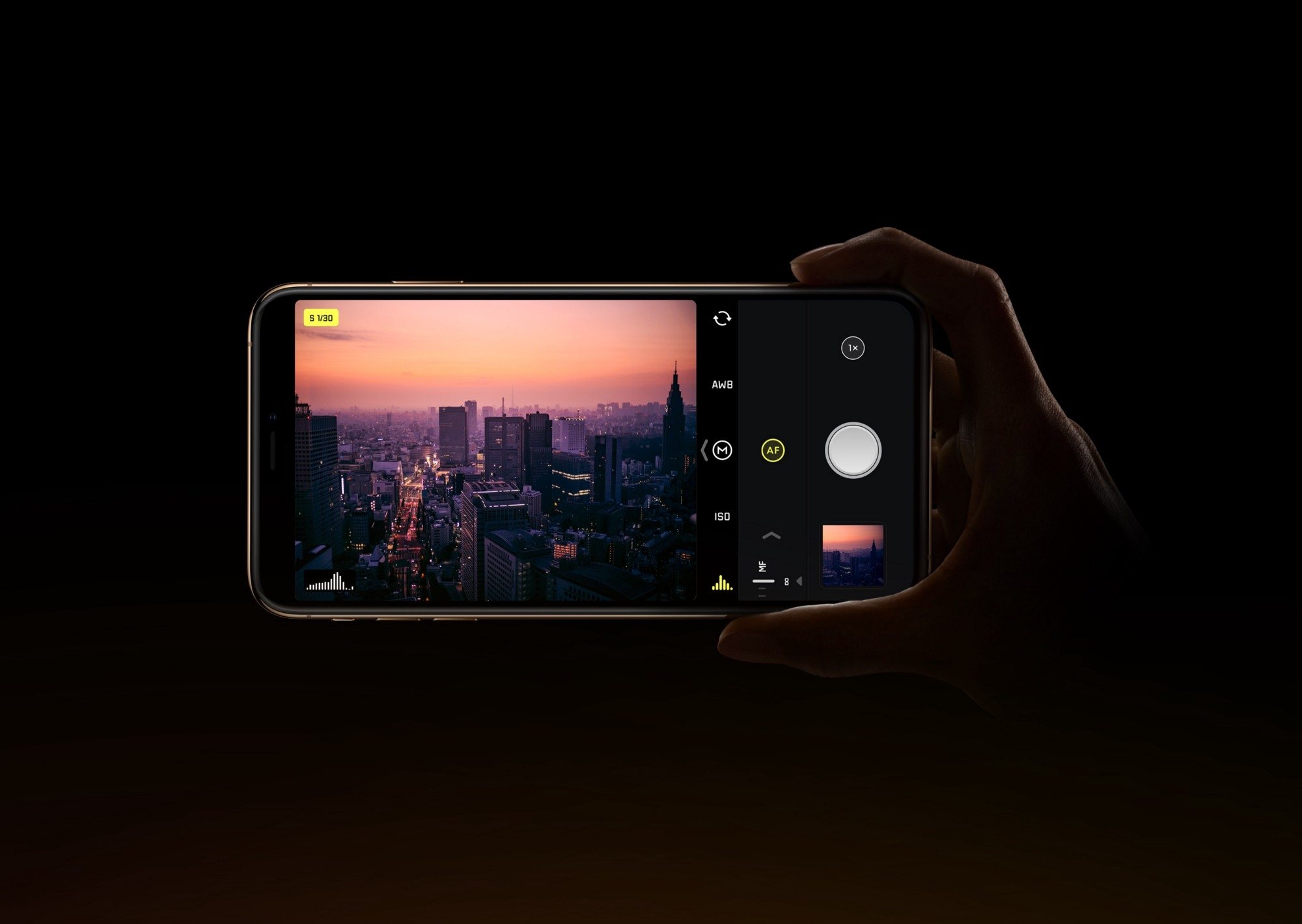
Outside of Apple employees, one of the people most knowledgeable about the iPhone’s camera is Sebastiaan de With, designer of the manual camera app Halide. It is fitting, then, that Sebastiaan would publish what I believe is the best explanation of the iPhone XS camera system to date. Following up on a piece he wrote about the new camera’s hardware changes, the subject of today’s article is software – specifically, all the work of computational photography on the iPhone XS and XS Max.

The piece starts with an explanation of the iPhone’s new Smart HDR feature, then details the exact reasons why selfies on the new iPhones appear to employ skin smoothing (a theory he soundly debunks). Finally, Sebastiaan details the problem that the XS camera poses for RAW camera apps like Halide, and shares about the forthcoming solution Halide’s team came up with: something they call Smart RAW.

There are too many excellent, informative tidbits to quote here, so I highly recommend you check out the article in full. This year’s iPhones are so full of interesting changes to the way the camera works, most of which are undocumented by Apple – as Sebastiaan says, it is “a whole new camera” in many ways.

Permalink

iPhone XS Line Capturing Selfies with the Appearance of Skin Smoothing

The iPhone XS and XS Max have been in the hands of users for a week now, and during that time many selfies have undoubtedly been taken on the new devices. Some users have noticed an unexpected difference with their selfies, however: their skin looks smoother and less realistic than it should. Juli Clover reports on this for MacRumors:

When taking a selfie in a situation where lighting is less than ideal, such as indoors or outdoors in areas with lower lighting, the iPhone XS Max appears to be applying a drastic smoothing effect that can hide freckles, blemishes, and other issues.

In full outdoor lighting the problem is less apparent, which has led to speculation that the skin smoothing is actually a result of some heavy-handed noise reduction techniques.

You can test the new camera yourself with an iPhone XS Max and an older iPhone like an iPhone X model by taking selfies indoors and outdoors and comparing the differences between the two. In almost all cases where the lighting is low or uneven, photos captured with an iPhone XS Max look dramatically different.

9to5Mac has a quote from one user, Abdul Dremali, who said, “Apple reached out to me yesterday and are working on this issue actively.” That isn’t necessarily confirmation that a skin smoothing effect is being applied, but it does indicate that something’s happening with the XS front-facing camera that wasn’t intended.

There’s often one controversy or another surrounding the launch of a new iPhone, such as antennas not working properly or iPhones bending under pressure. This issue doesn’t seem quite like those past problems, as it should be a quick fix in software if something’s not functioning correctly. In 2018 there’s a lot that happens in software every time a photo is taken on an iPhone; it wouldn’t surprise me if a small tweak arrives in iOS 12.0.1 that helps skin remain natural to the eye no matter the lighting conditions. One way or another, we should hear more from Apple before long.

Permalink

Connected, Episode 211: That’s Enough To Shrink Some Jeans

The guys debate the Mac’s future being tied to the quality of Marzipan apps before sharing their impressions of the iPhone XS Max and the Apple Watch Series 4. Some advice on how to listen to the show correctly is also shared.

On this week’s episode of Connected, we talk about iPad apps on the Mac and share our thoughts on new iPhones and Watches after nearly a week of usage. You can listen here.

Sponsored by:

  • TextExpander, from Smile: Communicate smarter. Use this link for 20% off your first year.
  • Pingdom: Start monitoring your websites and servers today. Use offer code CONNECTED to get 30% off.
Permalink

Apple Rolls Out TestFlight Public Invite Links

Benjamin Mayo, writing for 9to5Mac:

Apple is rolling out a new TestFlight feature which enables developers to share a public URL for an app beta. Customers can simply open the link on their iPhone or iPad and automatically enroll into the beta testing group through the TestFlight app.

This feature was announced back at WWDC in June but has only just started showing up for developers inside the App Store Connect interface. Previously to public links, developers had to manually ask people for email addresses and then send out invite in emails to each person individually.

As someone who’s routinely testing dozens of apps for review purposes, this sounds a lot more convenient than the current email-based invitation system, both for developers and users. By default, developers don’t see the names and emails of users who sign up with a link. I have a feeling this option is going to be frequently used for public betas with large pools of testers.

Permalink

Apple Completes Acquisition of Shazam

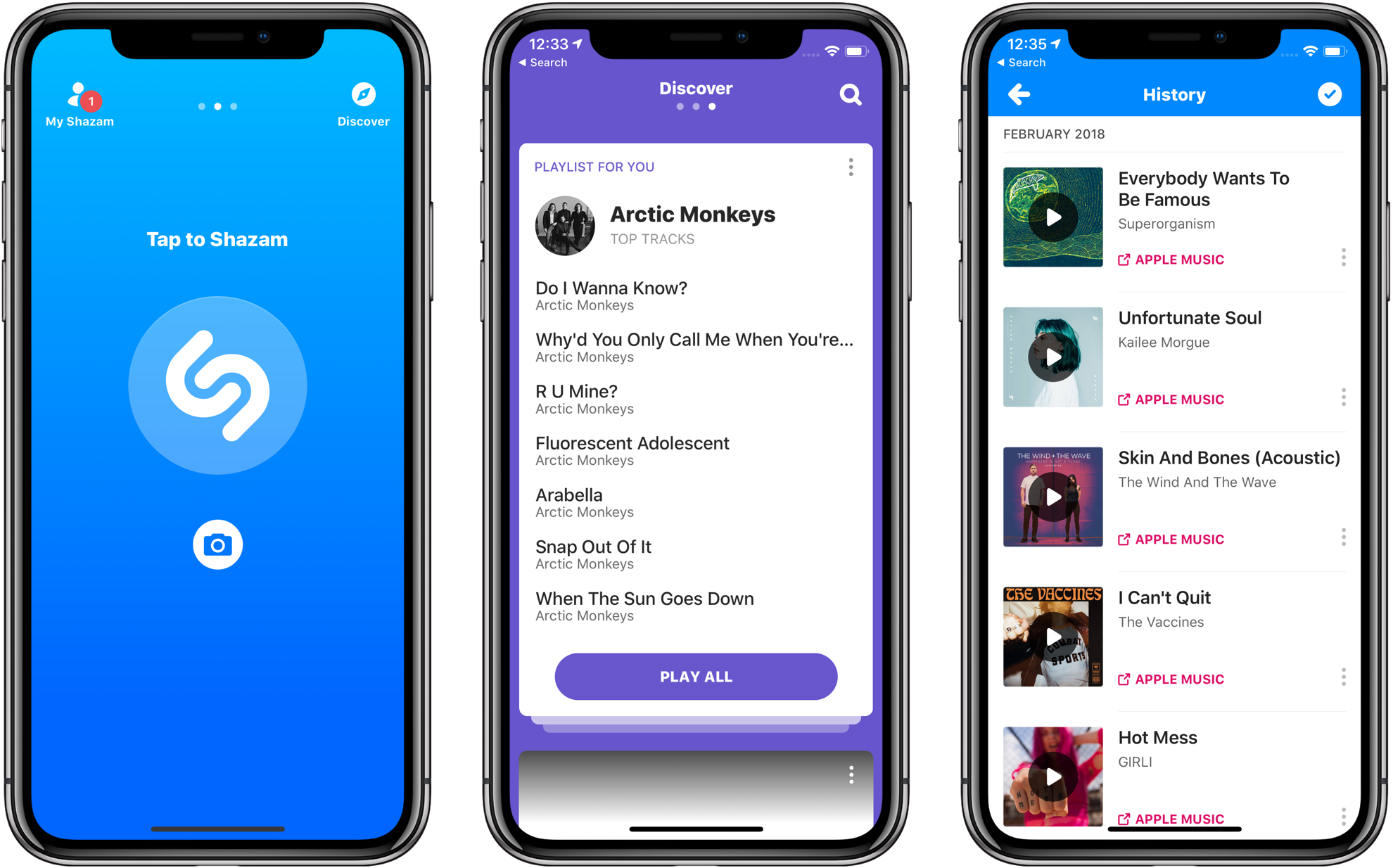
Late last year, Apple announced that it had agreed to purchase Shazam, the music-discovery service. The acquisition was held up for a time by an investigation by the European Commission, which ultimately said the deal is not anti-competitive and could go forward. Today Apple announced that the deal had been completed.

In a press release, Apple said:

Shazam has been downloaded over 1 billion times around the world, and users identify songs using the Shazam app over 20 million times each day. With pioneering innovation in music identification, Shazam helps people discover, interact with and share video, audio or printed content across devices and mediums — and allows music fans to follow their favorite artists and share in the thrill of discovery.

Apple also announced that Shazam would soon be offered ad-free to all users.

Permalink

iOS 12 on the iPhone 5S, iPhone 6 Plus, and iPad mini 2

Andrew Cunningham, writing for Ars Technica:

I’ve been testing iOS on old devices for six years, and I’ve never seen a release that has actually improved performance on old devices. At best, updates like iOS 6, iOS 9, and iOS 10 didn’t make things much worse; at worst, updates like iOS 7 and iOS 8 made old devices feel like old devices. Anyone using an older device can safely upgrade to iOS 12 without worrying about speed, and that’s a big deal. You’ll notice an improvement most of the time, even on newer devices (my iPad Air 2, which had started to feel its age running iOS 11, feels great with iOS 12).

As I noted in my review, I was hoping someone would run actual measurements for different system features on older devices running multiple versions of iOS. Cunningham did exactly that, going all the way back to iOS 10 on the iPhone 5S.

Permalink

Connected, Episode 210: Cold Feet Apple Blogger

Federico has published his iOS 12 review, and the boys get nerdy talking about Siri Shortcuts and some updated apps before Stephen talks about macOS Mojave’s launch.

On last week’s episode of Connected, we covered some behind-the-scenes aspects of my iOS 12 review and the upcoming release of macOS Mojave. You can listen here.

Sponsored by:

  • Away: Travel smarter with the suitcase that charges your phone. Get $20 off with the code ‘connected’.
  • Pingdom: Start monitoring your websites and servers today. Use offer code CONNECTED to get 30% off.
  • Molekule: The only air purifier that actually destroys pollutants. Use connected for $75 off.
Permalink

How Apple Made Its New Apple Watch Faces

Apple has a variety of new watch faces built into watchOS 5. A couple are exclusive to the new Series 4 Watch, but older models will still have access to faces like Fire and Water, Vapor, and Liquid Metal. What you may not know about these faces is that they were all created using practical effects. Josh Rubin at Cool Hunting writes:

Talking to Alan Dye, Vice President of User Interface Design at Apple, about this particular project he shared that “it’s more of a story about the design team. We could have done this digitally, but we shot this all in a studio. It’s so indicative of how the design team works—bringing our best and varied talents together to create these faces.” Surely it would have been cheaper to just render fire, water, liquid metal and vapor, but this is what makes Apple special—putting in the time and effort to do something right and real might only be noticed directly by a few, but is certainly felt by all.

To see this watch face project in action, check out the behind-the-scenes video below.

Permalink