This Week's Sponsor:

Turbulence Forecast

Know before you go. Get detailed turbulence forecasts for your exact route, now available 5 days in advance.


MacStories Is on Mastodon with Its Own Server

As of today, MacStories is officially on Mastodon with its own server for each of its properties and team members. You can find us here:

The new MacStories Mastodon account.

The new MacStories Mastodon account.

We’re not closing down our Twitter accounts (yet), but as you may have noticed, they haven’t been active lately and won’t be going forward. That’s because we’ve grown increasingly uncomfortable with the direction the company is heading. If you’ve been keeping up with the news, you know what I mean. If you haven’t, I highly recommend Casey Newton’s recent piece on Platformer. Casey’s perspective and reasons for winding down his personal and business presence on Twitter are very close to our own.

Although I’ll miss what Twitter was at its best and always remember what it’s meant to me professionally, I’m excited to be moving on too. I don’t know if Mastodon will be the next big thing, but it doesn’t have to be. It gives us a place to experiment and expand the places we connect with the MacStories audience, which we’re eager to do.

Read more


AppStories, Episode 309 – Gone but Not Forgotten: The Third-Party Apps (Part 1)

This week on AppStories, we extend last week’s ‘Gone but Not Forgotten’ theme to third-party apps, including Dropbox text editors, Twitter apps, email clients, and more.

Sponsored by:

  • Pillow – Sleeping better, made simple.
  • Memberful – Monetize your passion with membership.

On AppStories+, I have a gripe about TV app sports notifications, and Federico experiments with Siri and wonders if he should set up a second home in his garage.

We deliver AppStories+ to subscribers with bonus content, ad-free, and at a high bitrate early every week.

To learn more about the benefits included with an AppStories+ subscription, visit our Plans page, or read the AppStories+ FAQ.

Permalink

Freeform Leverages the Freedom and Flexibility of a Blank Canvas

Freeform is a brand new iPhone, iPad, and Mac app from Apple that lets users create multimedia boards on an infinite canvas that include text, images, drawings, links, files, and more. It’s an ambitious entry into a crowded category of apps that take overlapping approaches, emphasizing everything from note-taking to collaborative design to whiteboarding.

As is so often the case with Apple’s system apps, Freeform falls squarely in the middle of the landscape of existing apps. Freeform isn’t going to replace apps that are deeply focused on a narrow segment of apps in the blank canvas category. Instead, Freeform is targeted at a broader audience, many of whom have probably never even considered using this sort of app. For them, and for anyone who has felt constrained by more linear, text-based ways of exploring ideas, Freeform is a perfect solution.

At first blush, Freeform’s spare interface may give the impression that it’s a bare-bones 1.0 release, but that’s not the case. The app is easy to use and impressively feature-rich for a new release. So, let’s dig into the details to see what it can do.

Read more


iPadOS 16.2 and Stage Manager for External Displays: Work in Progress, But Worth the Wait

Stage Manager in iPadOS 16.2.

Stage Manager in iPadOS 16.2.

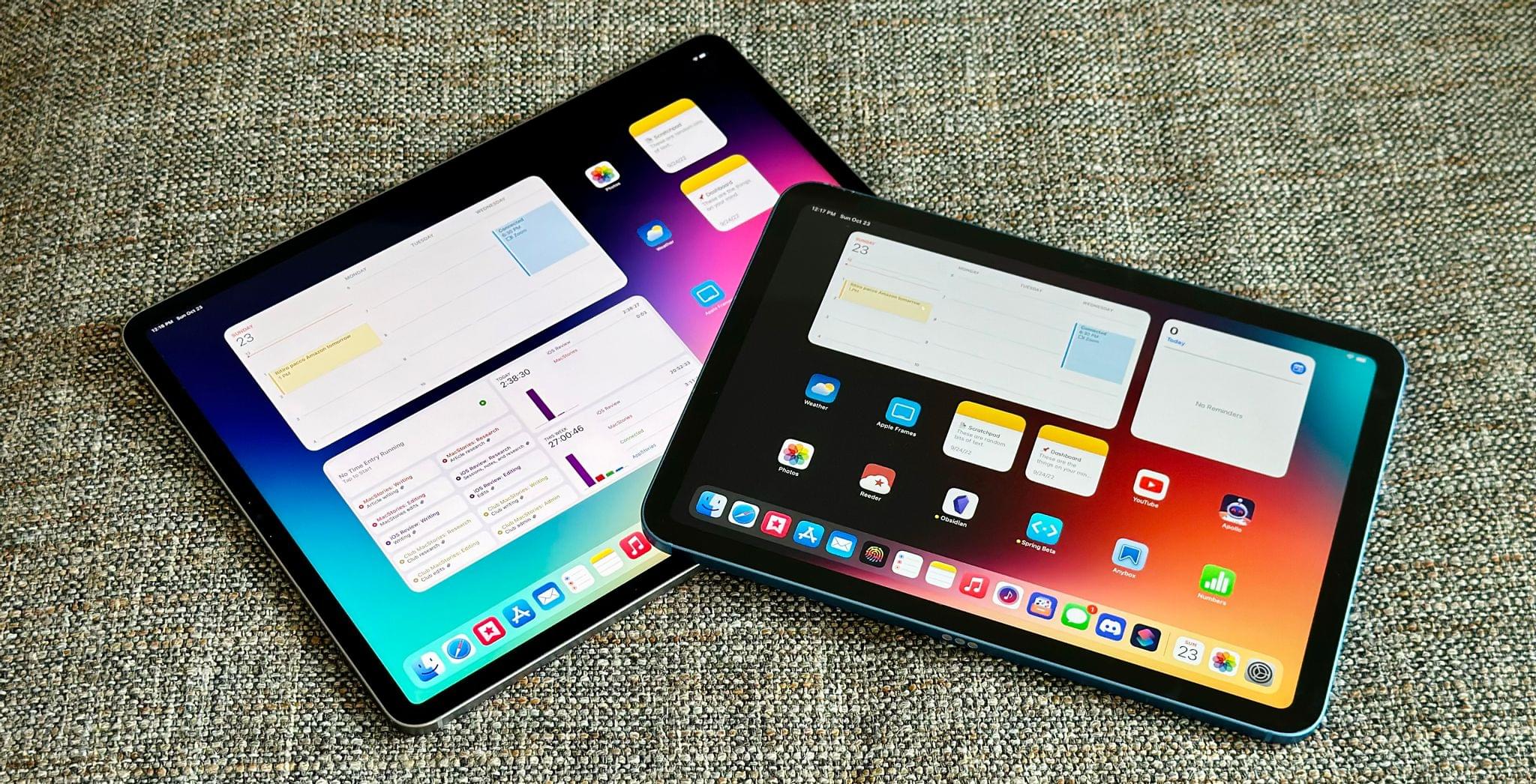
Ever since I last wrote about iPadOS 16, I have continued using Stage Manager on my iPad Pro. As I wrote in October, I like the idea behind Stage Manager more than its implementation. Despite the flawed design of its multitasking concepts and bugs I still encounter on a daily basis, it’s undeniable that Stage Manager lets me get more things done on my iPad by virtue of its concurrent app windows.

With today’s release of iPadOS 16.2, the idea behind Stage Manager achieves the full vision first presented in June, while its design and technical implementation remain stuck in an unpolished, half-baked state. Which is to say: conceptually, I love that Stage Manager in iPadOS 16.2 allows me to extend my iPad to an external display and put four additional windows on it; I’ve waited years for this feature, and it’s finally here. Technically speaking, however, the performance of this mode leaves a lot to be desired, with frequent crashes on my iPad Pro and an oft-confusing design that, I will reiterate, needs a rethinking.

Over the past couple of months, I’ve learned to live with Stage Manager, accept its quirks, and use what’s good about it to my advantage. As I recently wrote for Club MacStories members, I’ve put my money where my mouth is: I’ve gone all-in with Stage Manager on my iPad Pro and completely rebuilt my work setup around the M2 iPad Pro and Apple Studio Display, using Universal Control to seamlessly control iPadOS from a nearby Mac mini. (You can read the full story here.) After all, no other device in Apple’s ecosystem can effortlessly turn from a tablet into a laptop and into a desktop workstation like the iPad Pro can.

I’ve been working toward this vision for iPad modularity and contextual computing for the past several years. So now that Stage Manager has unlocked the final piece of the puzzle with external display integration, how good is it in practice?

And more importantly: was it worth the wait?

Read more


Last Week, on Club MacStories: Calendar Apps, AV Club Returns, Plus Movies, TV Shows, Apps, and More

Because Club MacStories now encompasses more than just newsletters, we’ve created a guide to the past week’s happenings along with a look at what’s coming up next:

MacStories Weekly: Issue 348


Gone but Not Forgotten: The Third-Party Apps (Part 1)

AppStories+ Deeper into the world of apps

AppStories Episode 309 - Gone but Not Forgotten: The Third-Party Apps (Part 1)

0:00
39:13

AppStories+ Deeper into the world of apps

This week, Federico and John extend last week’s ‘Gone but Not Forgotten’ theme to third-party apps, including Dropbox text editors, Twitter apps, email clients, and more.

This episode is sponsored by:

  • Pillow – Sleeping better, made simple.
  • Memberful – Monetize your passion with membership.

TOPIC

Gone but Not Forgotten: The Third-Party Apps (Part 1)

We deliver AppStories+ to subscribers with bonus content, ad-free, and at a high bitrate early every week.

To learn more about the benefits included with an AppStories+ subscription, visit our Plans page, or read the AppStories+ FAQ.


Follow us on Twitter

Follow us on Instagram


MacStories Weekly: Issue 348

This week, in addition to the usual links, app debuts, and recap of MacStories' articles and podcasts:

  • AV Club Resuming in January, by MacStories Team
  • Revisiting Other Calendar Apps, by John
  • Top TV Show and Movie Picks, Remembering Long Gone Apps, and A Treat Yourself Thread, by John
Read more

MacStories Unwind: The Best TV Shows and Movies of 2022

AppStories+ Deeper into the world of apps
0:00
21:38

AppStories+ Deeper into the world of apps


This week, Federico and John share their favorite TV shows and movies of 2022.

The Best TV Shows and Movies of 2022

Joint Picks:

Federico’s Picks:

John’s Picks:

Club MacStories Member Recommendations:


Sofa 3.4: List Sharing, Shortcuts Actions, Lock Screen Widgets, and More

Shawn Hickman is back with another excellent update to Sofa, the downtime/media organization app for iPhone and iPad that we’ve covered several times on MacStories. Sofa remains my favorite one-stop app for managing lists of media I don’t want to forget to enjoy later. The app supports TV shows, movies, books, audiobooks, videgames, music, podcasts, board games, and apps, making it the most comprehensive media organizer I’ve used. However, what makes Sofa special is its design and extensive customization options, which is why it was the runner-up for Best App Update in last year’s MacStories Selects awards.

What I appreciate most about version 3.4 of Sofa is that it extends the app beyond its existing boundaries with list sharing and new Shortcuts support. To round out the update, Sofa also adds Lock Screen widget support and TV and movie provider details for Super Sofa subscribers. It’s an excellent batch of new features for an app that I already consider one of the finest in its category.

Read more