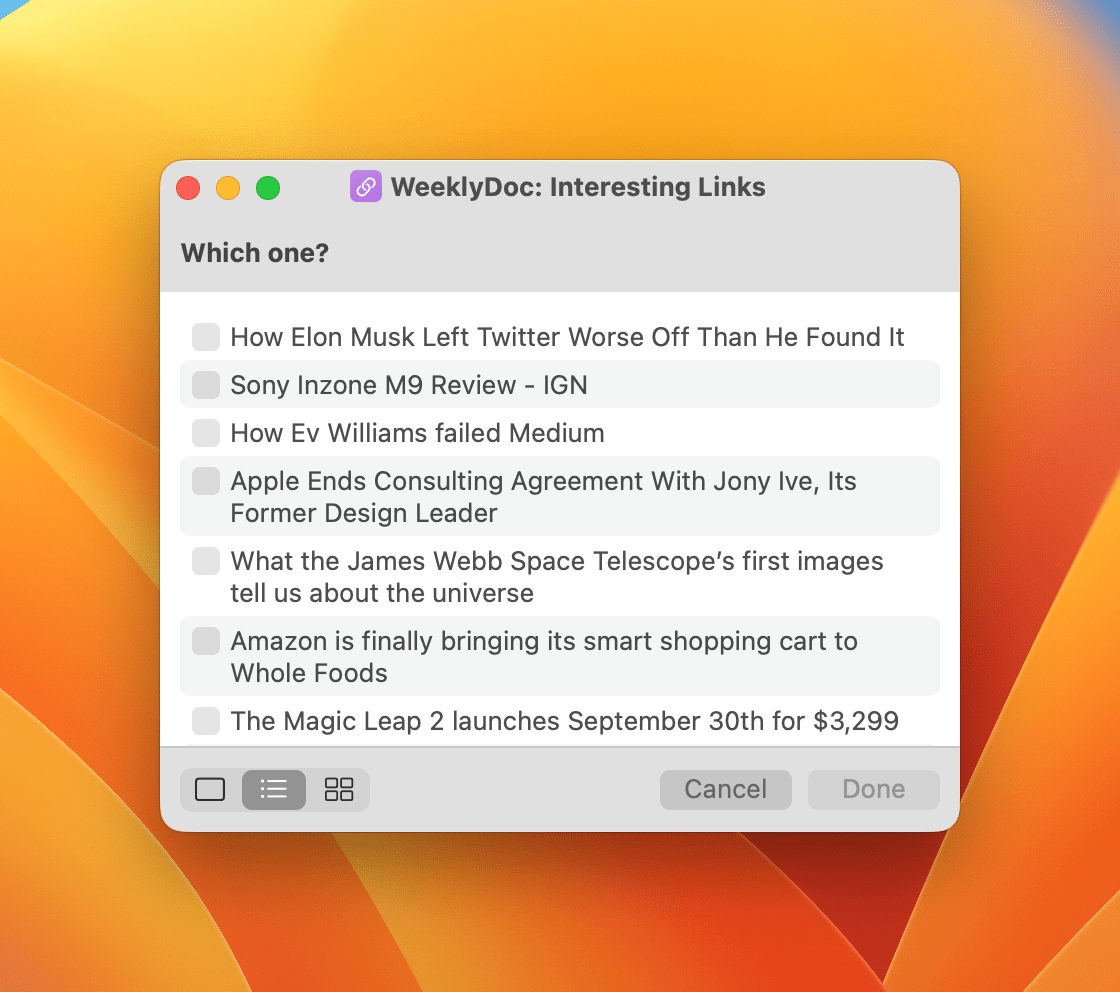
Because Club MacStories now encompasses more than just newsletters, we’ve created a guide to the past week’s happenings along with a look at what’s coming up next:
In an interview with TechCrunch’s Brian Heater, Apple’s vice president of Sensing & Connectivity, Ron Huang, and vice president of Worldwide iPhone Product Marketing, Kaiann Drance explain how the iPhone 14 and 14 Pro and Apple Watch Series 8 and Ultra detect car crashes. A big part of the equation is the new gyroscopes and accelerometers the devices use. The accelerometers measure G Force, while the gyroscopes detect speed changes. Other sensors come into play, too, including the barometer, GPS, and microphone, as well as Bluetooth and CarPlay.
Not every sensor needs to be triggered to detect a crash, although multiple data points are necessary. As Huang explained:
There’s no silver bullet, in terms of activating crash detection. It’s hard to say how many of these things have to trigger, because it’s not a straight equation. Depending how fast the traveling speed was earlier, determines what signals we have to see later on, as well. Your speed change, combined with the impact force, combined with the pressure change, combined with the sound level, it’s all a pretty dynamic algorithm.
The system will also try to make calls to emergency services first using your mobile provider and will fall back to any other networks as necessary. The crash detection feature will be connected to Apple’s upcoming satellite service when it becomes available to handle the situation where no mobile network is available too.
MacUpdater is an effortless way to ensure that all the software on your Mac is always up-to-date with the latest version. With a single click, the app scans your system for installed software and provides you with a comprehensive list of everything that is outdated in one simple, clear interface. It’s the perfect tool to keep your Mac’s software running smoothly and securely.
MacUpdater has an enormous built-in database of version information for over 60,000 apps and can update 6,000 of the most popular of those with a single click. What’s more, MacUpdater is actively maintained all the way back to version 1, so no matter which version you’re using, you know you can rely on MacUpdater to get the job done.
With version 2, MacUpdater added the ability to update multiple apps simultaneously, the ability to update non-app software you’ve installed, password-free updates for non-admin accounts, support for Big Sur and Apple silicon Macs, faster system scans, and much more. The recent 2.3 update already brings support for new technologies in macOS 13 ‘Ventura’ and enables transparent handling of updates delivered in packages (.pkg).
MacUpdater is available as a one-time purchase. There’s no subscription, other recurring fees, or hidden costs, and for a limited time, readers of MacStories can get a 10% discount when they use the coupon code MACSTORIESQ4 at checkout. So visit MacUpdater’s website today to learn more about this terrific utility and to take control of updates on your Mac.
Our thanks to MacUpdater for sponsoring MacStories this week.
This week on MacStories Unwind, I unleash a tech gripe about an otherwise excellent product and recommend The Beth’s latest album, Expert in a Dying Field. Plus, Federico has finished Better Call Saul, so he revisits the show which he originally covered last month.
This week on AppStories, we are joined by Widgetsmith developer David Smith to talk about the history of his app, Widgetsmith, iOS 16 Lock Screen Widgets, and his recent hike through the Scottish Highlands where he tested the iPhone 14 Pro’s camera and the Apple Watch.
Today, Gameviceannounced pre-orders for the Flex, a new MFi-certified, case-compatible game controller for the iPhone. Like the Backbone One and Razer Kishi V2, the Flex separates an Xbox-style controller into two halves that connect to the ends of your iPhone for playing controller-compatible iOS games. I haven’t had a chance to try the Gamevice Flex, but based on the company’s announcement video, there are a handful of features that set it apart from the Backbone One and Razer Kishi V2 that are worth considering if you’re shopping for an iPhone game controller.
Like the Razer Kishi V2, the Gamevice Flex uses spacers to accommodate a long list of Apple and third-party cases, an advantage over the Backbone One, which requires you to remove your case before using it. The downside, of course, is keeping track of the collection of spacers to allow for moving to a different case in the future.
Gamevice says that the Flex uses Hall effect triggers, a technology that uses magnetic field sensors instead of mechanical parts to cut down on the wear and tear on components. The company hasn’t said if the Flex’s thumbsticks use the same technology or not.
Like the Backbone One, the Flex includes passthrough charging via a Lightning port on the end of one of the controller’s grips and a headphone jack on the other grip. The Razer Kishi V2 includes a Lightning port for charging but not a headphone jack. Although you can never be sure about how a controller will feel to use until you have it in your hands, I like the look of Flex’s grips too.
Because Club MacStories now encompasses more than just newsletters, we’ve created a guide to the past week’s happenings along with a look at what’s coming up next:
We released an all-new episode of MacStories Unplugged about bench advertising, the controversy surrounding a giant American flag, buzzards, and how Federico social-engineered his way to unlimited 5G data