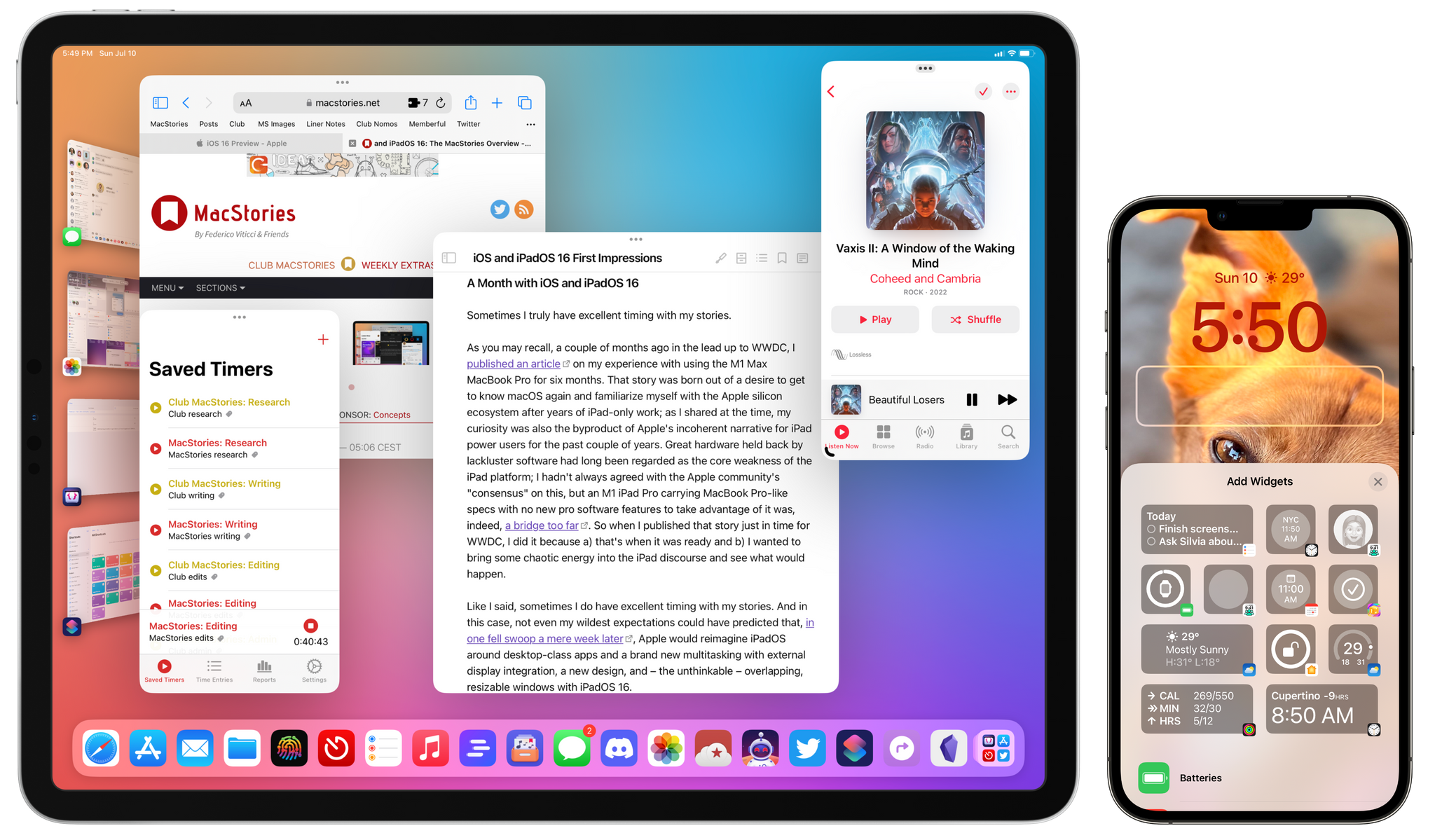
When Shortcuts debuted on the Mac in Monterey, Apple added more ways to run an automation than anyone expected, but there was one big omission. Shortcuts wasn’t included in Monterey’s share menu. That was a big disappointment for anyone (like me) who has built a lot of shortcuts that rely on the share sheet on iOS and iPadOS. That’s why I’m happy to report that this fall, when Ventura is released, Shortcuts users will, at last, be able to trigger their shortcuts from the Mac’s Share menu.
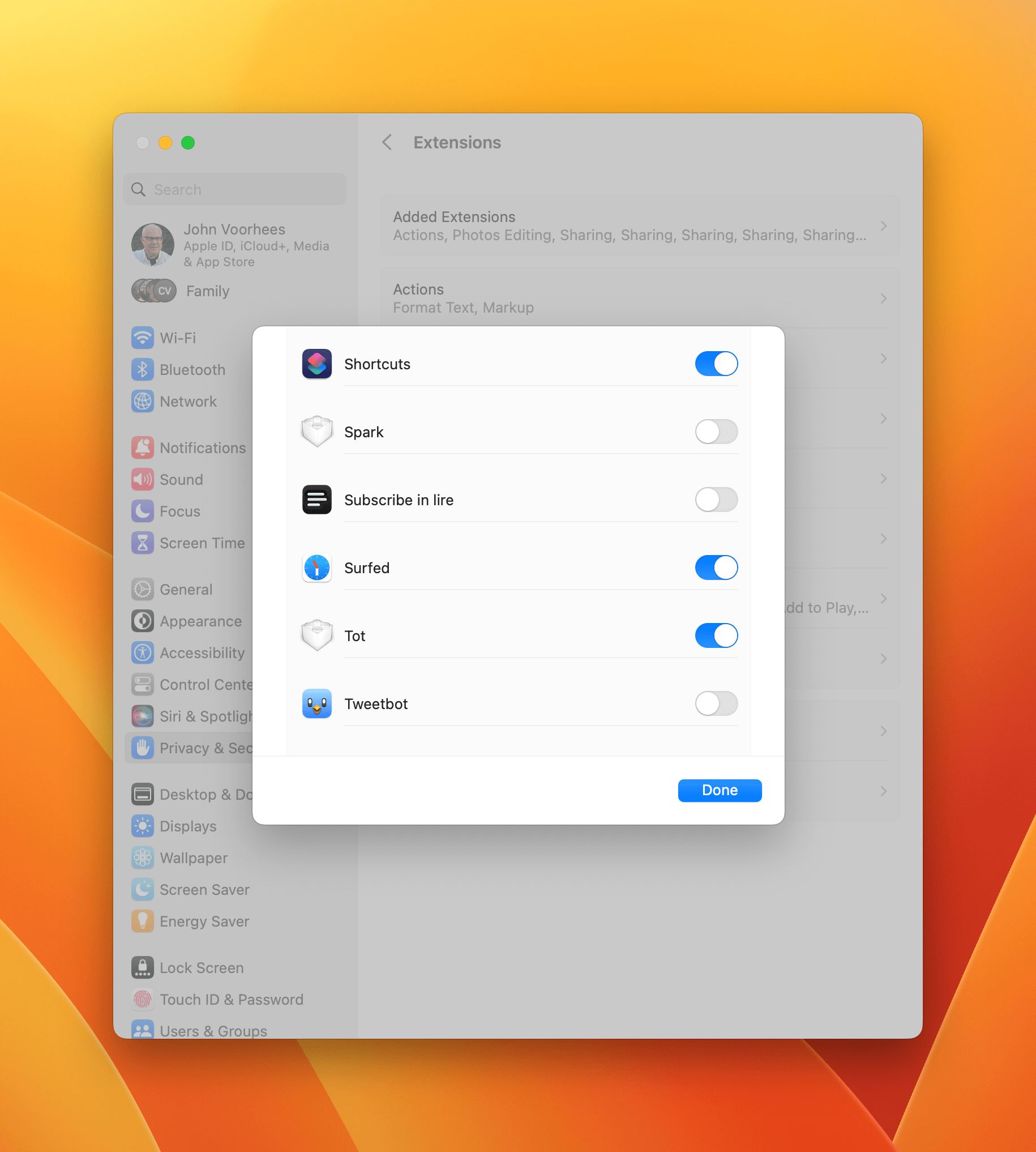
Shortcuts was toggled off by default in Systems settings on my Mac, so you may not see it if you go directly to the Share menu. To enable it, open System Settings and go to the Extensions section of the Privacy & Security section, where you’ll find it under Sharing. Once toggled on, you’ll be able to select it like any other Share menu item, which will display a list of shortcuts that accept the input that the app you’re using offers.
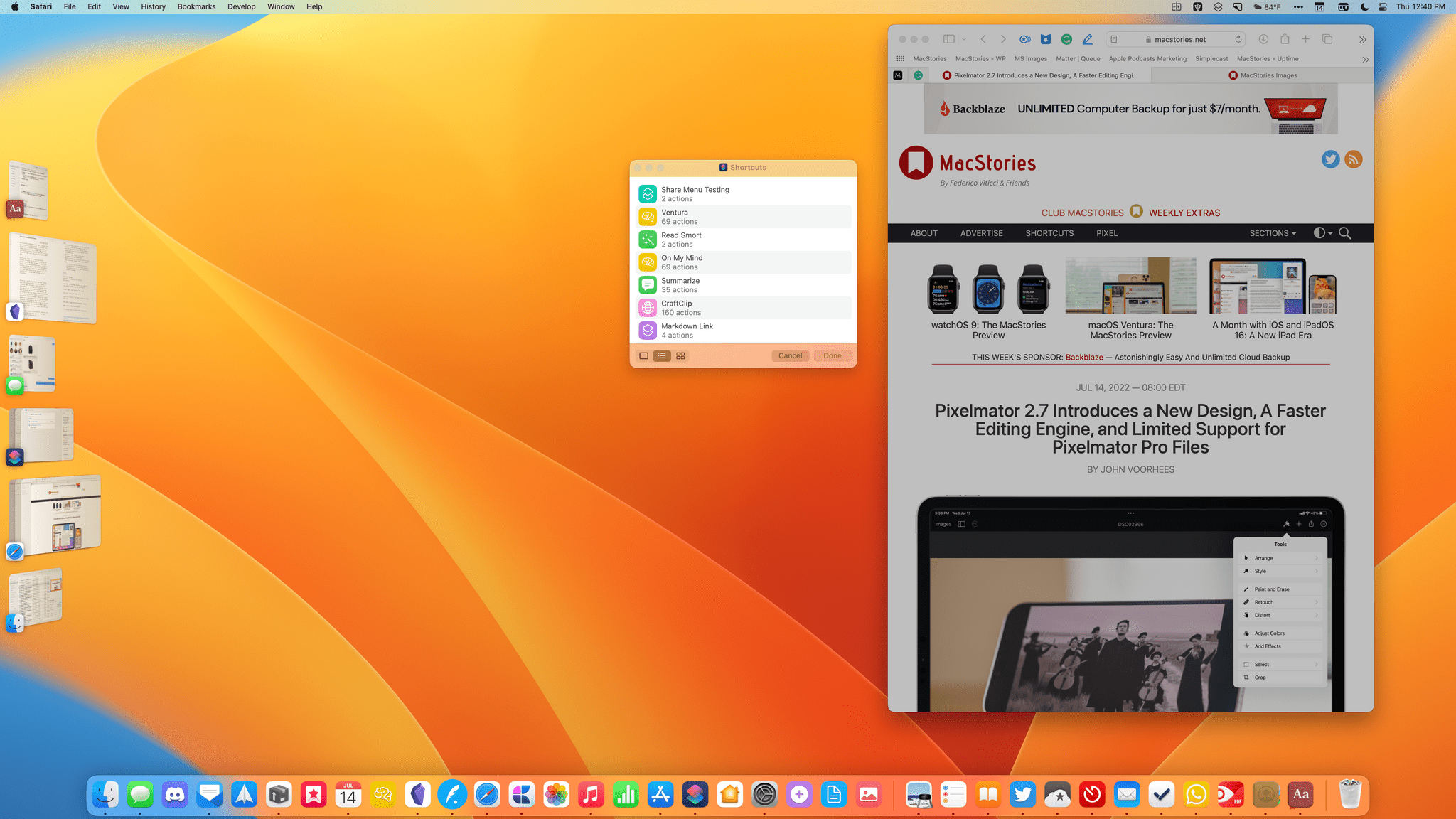
My testing is ongoing, but despite some bugs, the new Shortcuts share item works well across a variety of system and third-party apps. For example, Safari can pass the active webpage, its URL, and a PDF to Shortcuts, where I’ve used the input with actions like Get Current Web Page from Safari, Get Details of Safari Web Page, and Get Contents of Web Page.
Safari’s inputs also work with File actions like Save File, which can be used to create nicely-formatted PDFs of webpages. However, due to what appears to be a bug in Shortcuts, PDFs can only be saved if the URL is also passed as input to the Save File action, resulting in the creation of a PDF and two HTML files of the webpage contents. Another limit of Safari’s Share menu support is that it currently doesn’t work with text selections.
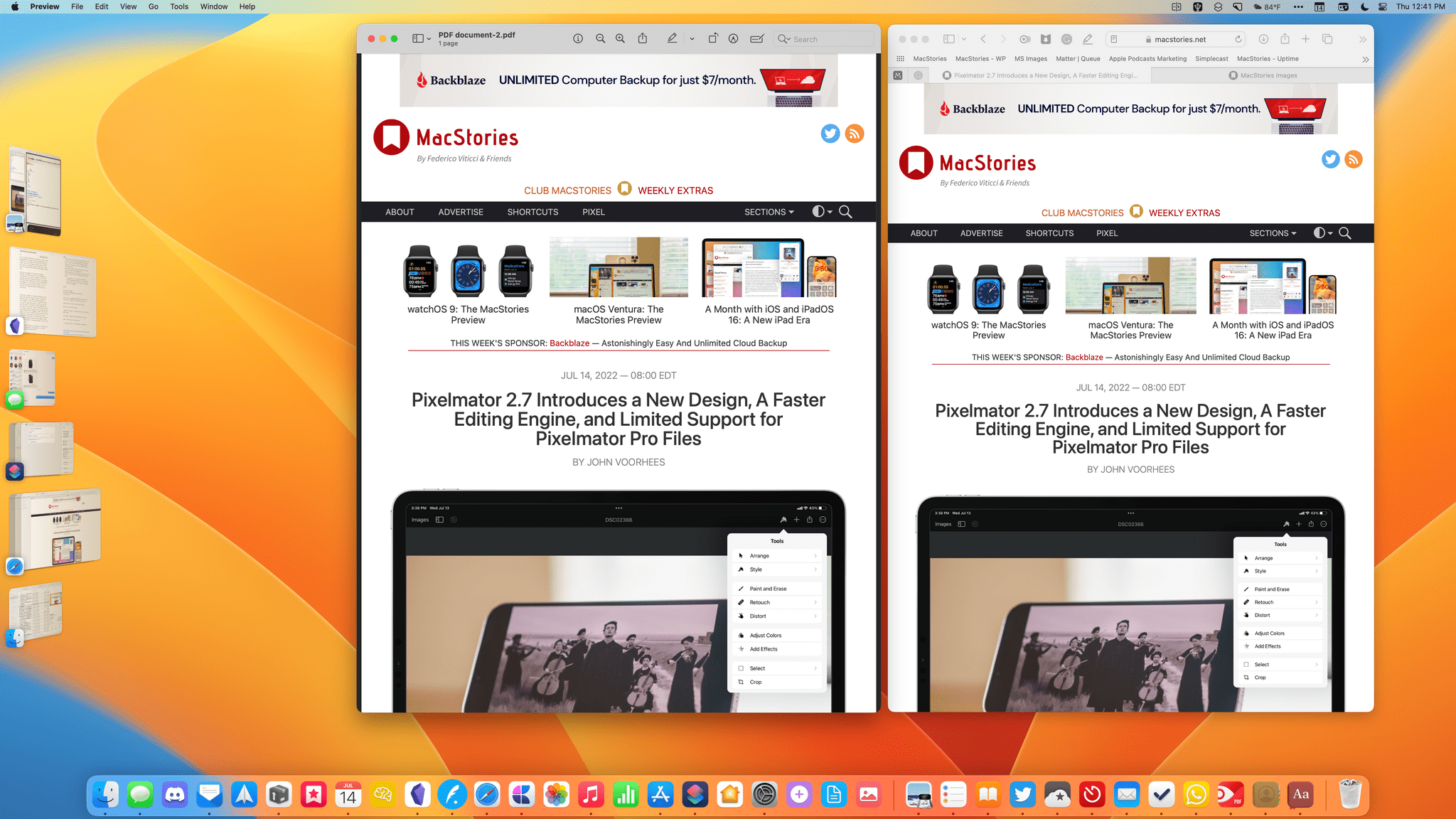
Safari is where I expect to use Shortcuts’ Share menu the most, but it works with other apps too. So far, I’ve used Shortcuts from the Share menu to:
- Convert a PNG image to JPEG
- Open a file from Finder
- Add a PDF to Keep It for Mac
- Send a PNG from Pixelmator Pro to Keep It for Mac
- Add Mac App Store URLs to the Trello board we use to organize our Club MacStories newsletters
There are other ways to accomplish any of these things without a share extension, but the Share menu lets you trigger your shortcuts from the context in which you’re working, which I prefer.
The addition of Share menu support is promising, but it still needs work. In addition to the Safari limitations and bugs I mentioned above, it’s worth noting that if a shortcut fails from the Share menu, the app becomes unresponsive and needs to be quit and restarted before it will work again. Also, Shortcuts’ picker window opens behind the app you’re using, so if your app window is in the center of the screen, Shortcuts’ picker might be hidden. Interaction with the app from which you trigger a shortcut is blocked while your shortcut is running too.
The Share menu, which has undergone a redesign in Ventura, removes a couple of features that would be useful with Shortcuts that I hope are added back. First, it’s no longer possible to reorder share extensions in System Settings. I’d like to move Shortcuts to the top of my list, but I can’t. Second, because the Share menu is now an independent floating pallette instead of a submenu of File → Share, individual share extensions can no longer be assigned a keyboard shortcut in System Settings.
Notwithstanding some rough edges, though, it’s good to see Shortcuts come to the Share menu. I’ve found ways around its omission from Monterey, but none have ever seemed as natural as clicking the share button in an app’s toolbar. Hopefully, by the time it’s released in the fall, Shortcuts’ share extension will do everything on the Mac that it can do on the iPhone and iPad.






](https://cdn.macstories.net/banneras-1629219199428.png)
.](https://cdn.macstories.net/emojipedia-sample-images-emoji-15-july-2022-1-1657713997948.jpg)