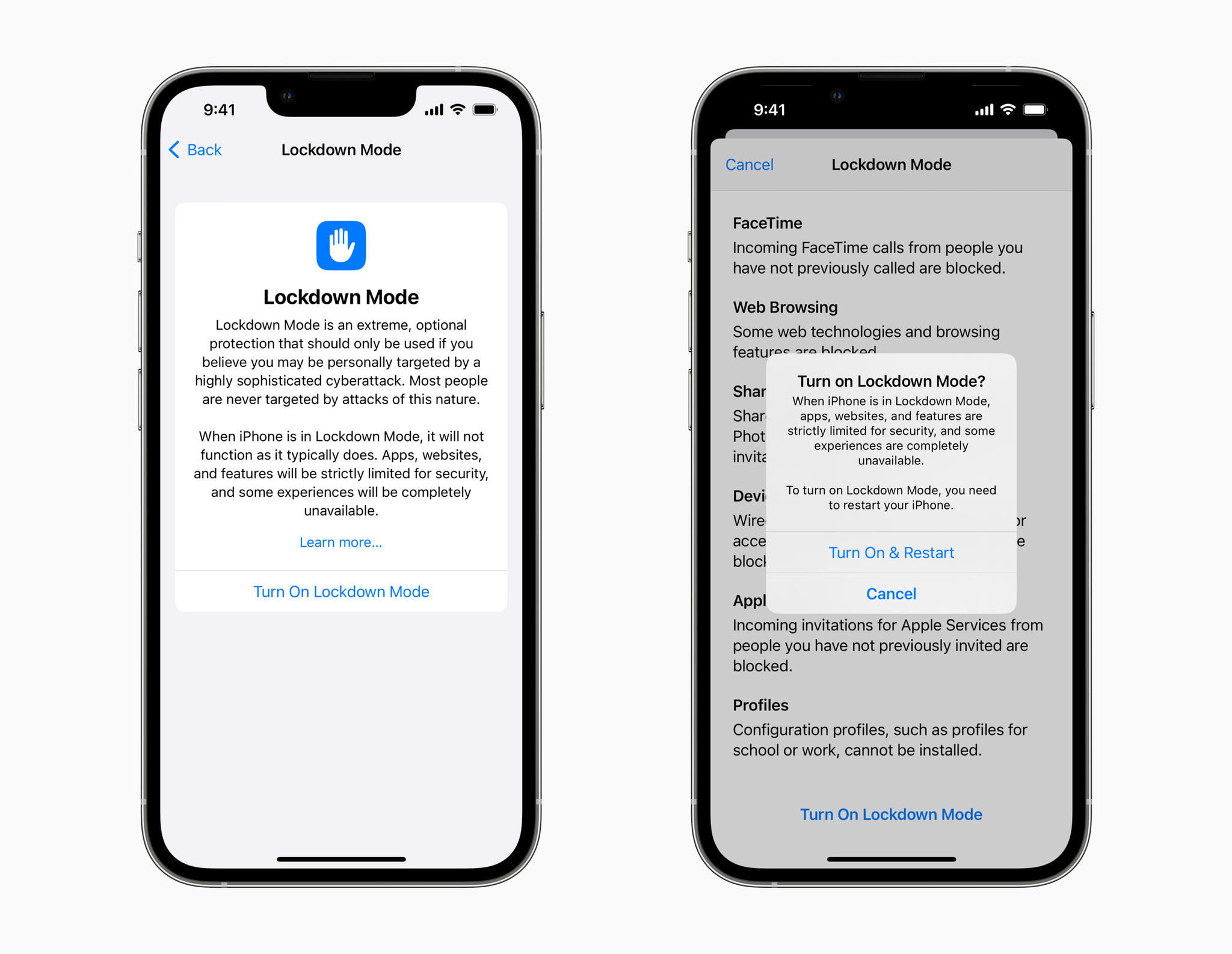
Apple has announced a new Lockdown Mode for iOS, iPadOS, and macOS designed to protect people who may be personally targeted by sophisticated digital threats. In a press release, Apple says:
Lockdown Mode — the first major capability of its kind, coming this fall with iOS 16, iPadOS 16, and macOS Ventura — is an extreme, optional protection for the very small number of users who face grave, targeted threats to their digital security.
Lockdown mode is designed to limit certain features to reduce the attack surface available to spyware. The company said that:
At launch, Lockdown Mode includes the following protections:
Messages: Most message attachment types other than images are blocked. Some features, like link previews, are disabled.
Web browsing: Certain complex web technologies, like just-in-time (JIT) JavaScript compilation, are disabled unless the user excludes a trusted site from Lockdown Mode.
Apple services: Incoming invitations and service requests, including FaceTime calls, are blocked if the user has not previously sent the initiator a call or request.
Wired connections with a computer or accessory are blocked when iPhone is locked.
Configuration profiles cannot be installed, and the device cannot enroll into mobile device management (MDM), while Lockdown Mode is turned on.
Apple is also doubling its bounty payouts for qualifying findings in Lockdown mode up to a maximum of $2 million.
The company added that its grant of $10 million, plus any damages awarded in its lawsuit against the NSO Group:
will be made to the Dignity and Justice Fund established and advised by the Ford Foundation — a private foundation dedicated to advancing equity worldwide — and designed to pool philanthropic resources to advance social justice globally.
The Dignity and Justice Fund will begin making grants from the funds beginning late this year or in early 2023.
Lockdown Mode is clearly intended for high-profile individuals who feel they may be at risk of a targeted attack. Although the feature will be available to anyone to turn on, doing so will significantly limit the features of the iPhone, iPad, and Mac in ways that most people are unlikely to want to do.
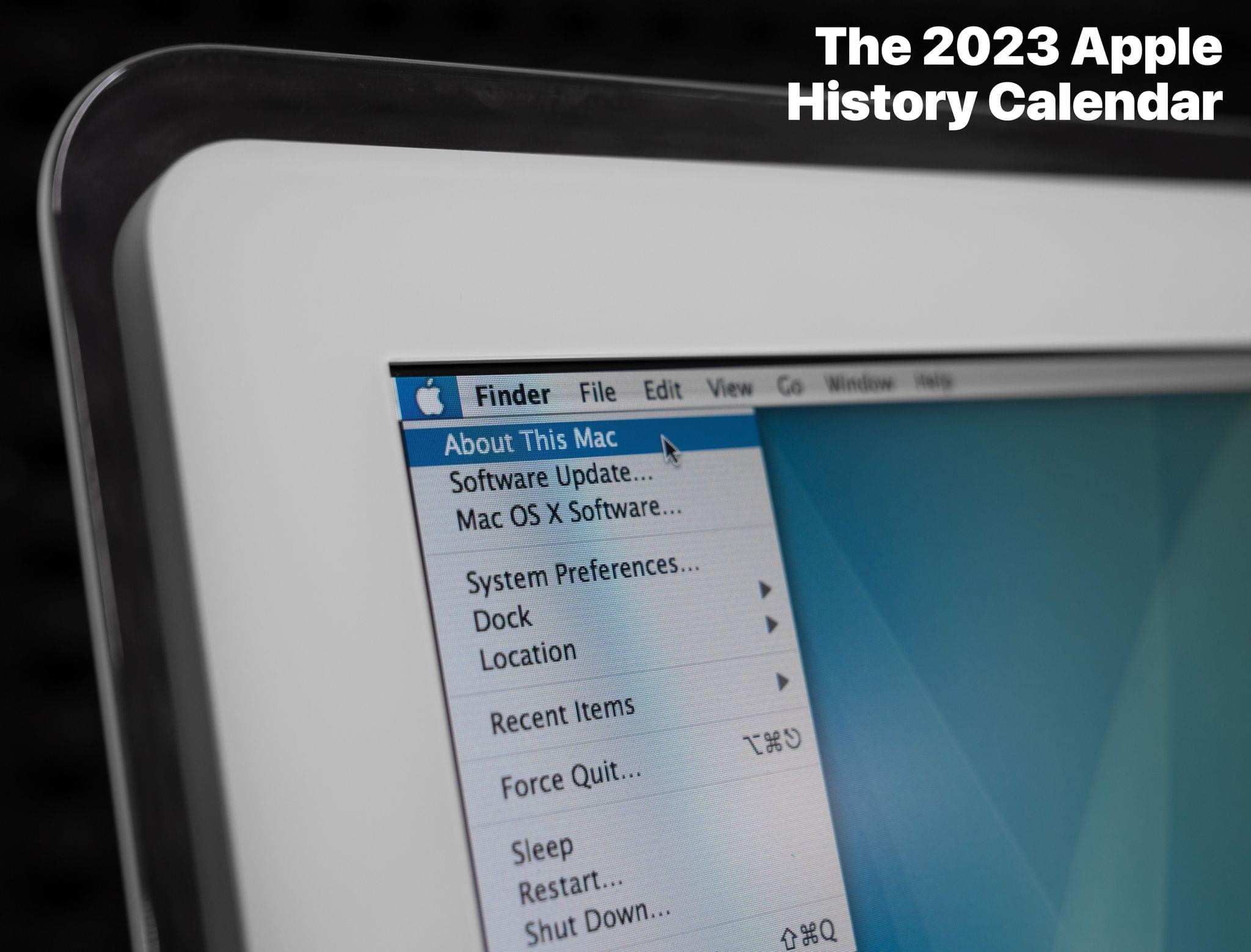
In addition to the wall calendar, Stephen has created a digital wallpaper pack for backers who pledge $5 or more. If you pledge $32 or more, you get the wall calendar, wallpaper pack, and a .ics file for importing Apple’s software dates into a calendar app. Pledge $38 or more, and you’ll get stickers too.
Stephen’s been working hard on this project for a while now. I’m really looking forward to seeing this year’s photos, which are a great way to show off his collection of Apple hardware, and browsing through the dates he’s compiled for this year’s calendar.
On AppStories+, I explain the quirks of moving from one state to another to Federico and we both update listeners on the tools we’re using this year for our annual OS reviews.
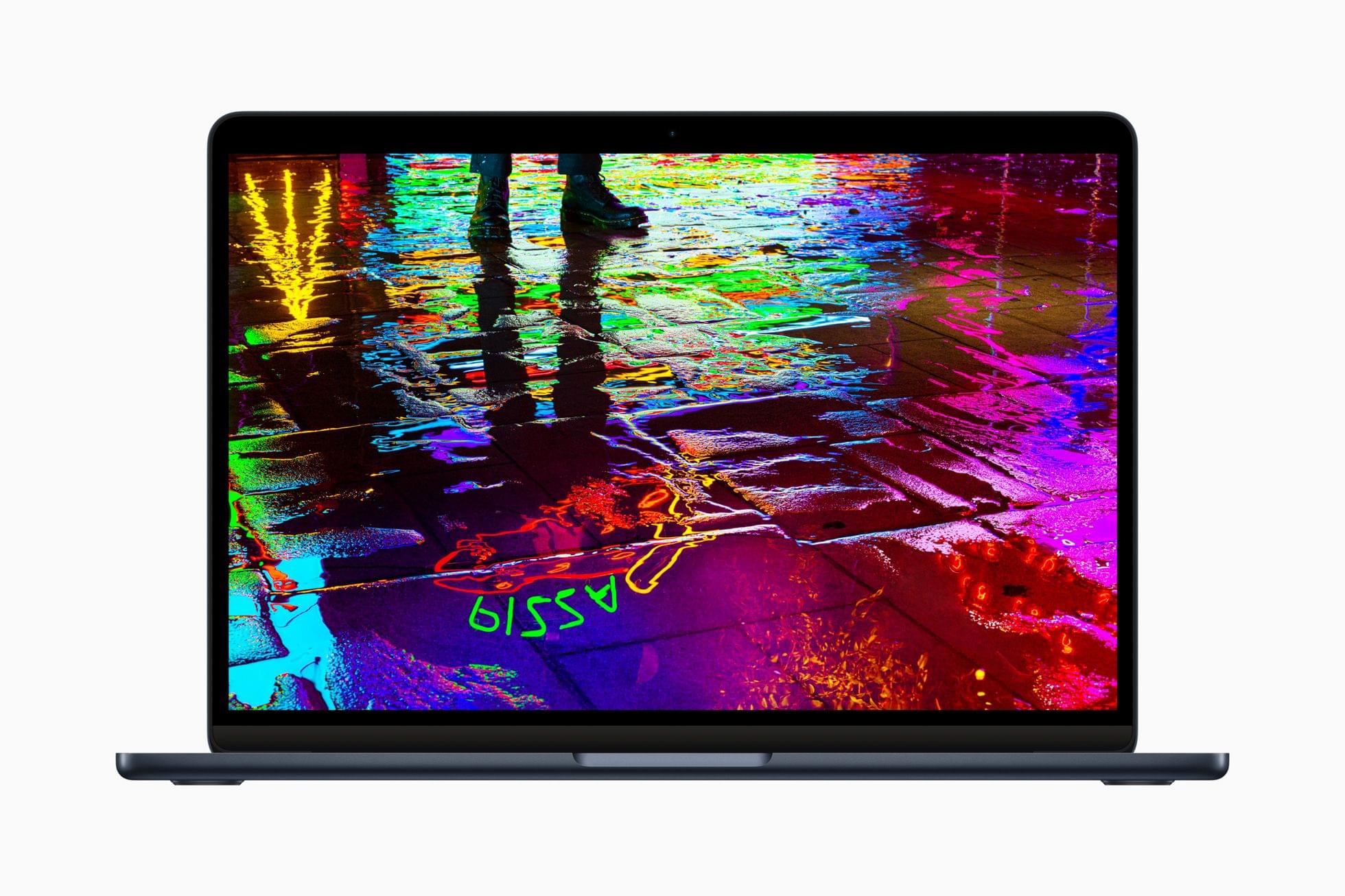
The M2 MacBook Air, revealed by Apple during its WWDC keynote, now has order and release dates. When the new MacBook Air was announced during WWDC last month, Apple simply said the laptop would be released in July. In a press release today, the company said it would begin taking orders on Friday, July 8th at 5 AM Pacific Daylight Time, with deliveries beginning on July 15th.
The new M2 MacBook Air features Apple’s next-generation SoC, a 13.6” Liquid Retina display, a 1080p FaceTime camera, a four-speaker system, MagSafe charging, and up to 18 hours of battery life. The new model comes in four colors: midnight, starlight, silver, and space gray. Pricing starts at $1,199 and $1,199 for education customers. For more details on the M2 MacBook Air, be sure to check out our WWDC overview of the laptop and episode 280 of AppStories.
Because Club MacStories now encompasses more than just newsletters, we’ve created a guide to the past week’s happenings along with a look at what’s coming up next:
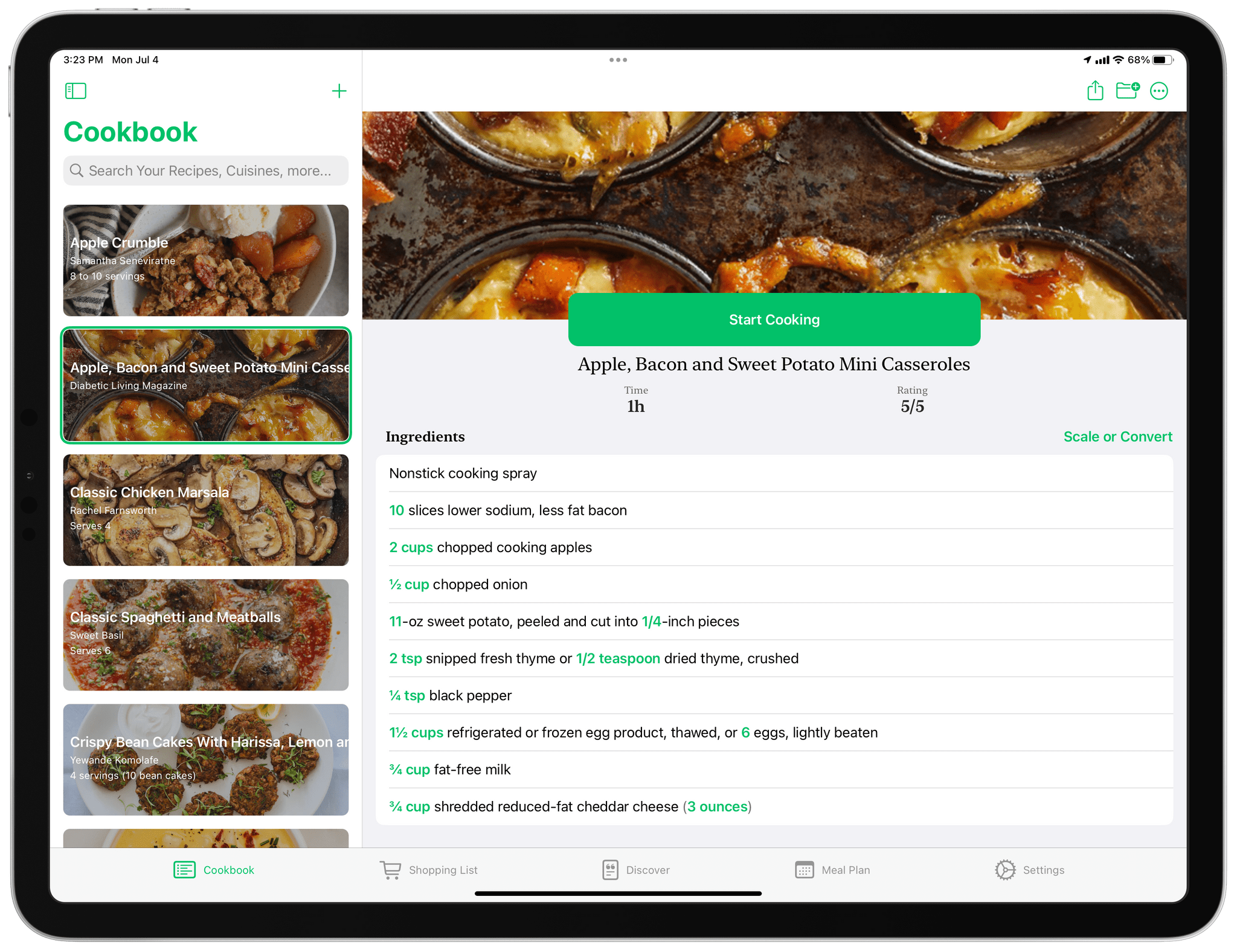
One of the greatest strengths of the App Store is its abundance of choice. For every app category, there are always multiple excellent options from which to pick. That’s never been more true for the recipe app category. Paprika was my long-time personal favorite until Mela came along, but there are other great options like Grocery and Crouton too. Another app that belongs on that list is Pestle, an iPhone and iPad app by Will Bishop.
At its core, Pestle is a recipe manager, but it also integrates with Reminders to create shopping lists, offers a way to discover new dishes, and integrates meal planning, making it a well-rounded solution. The app also features a modern design that works well in the kitchen and some clever details like hands-free voice control for moving between recipe steps while cooking, making it worth a closer look.
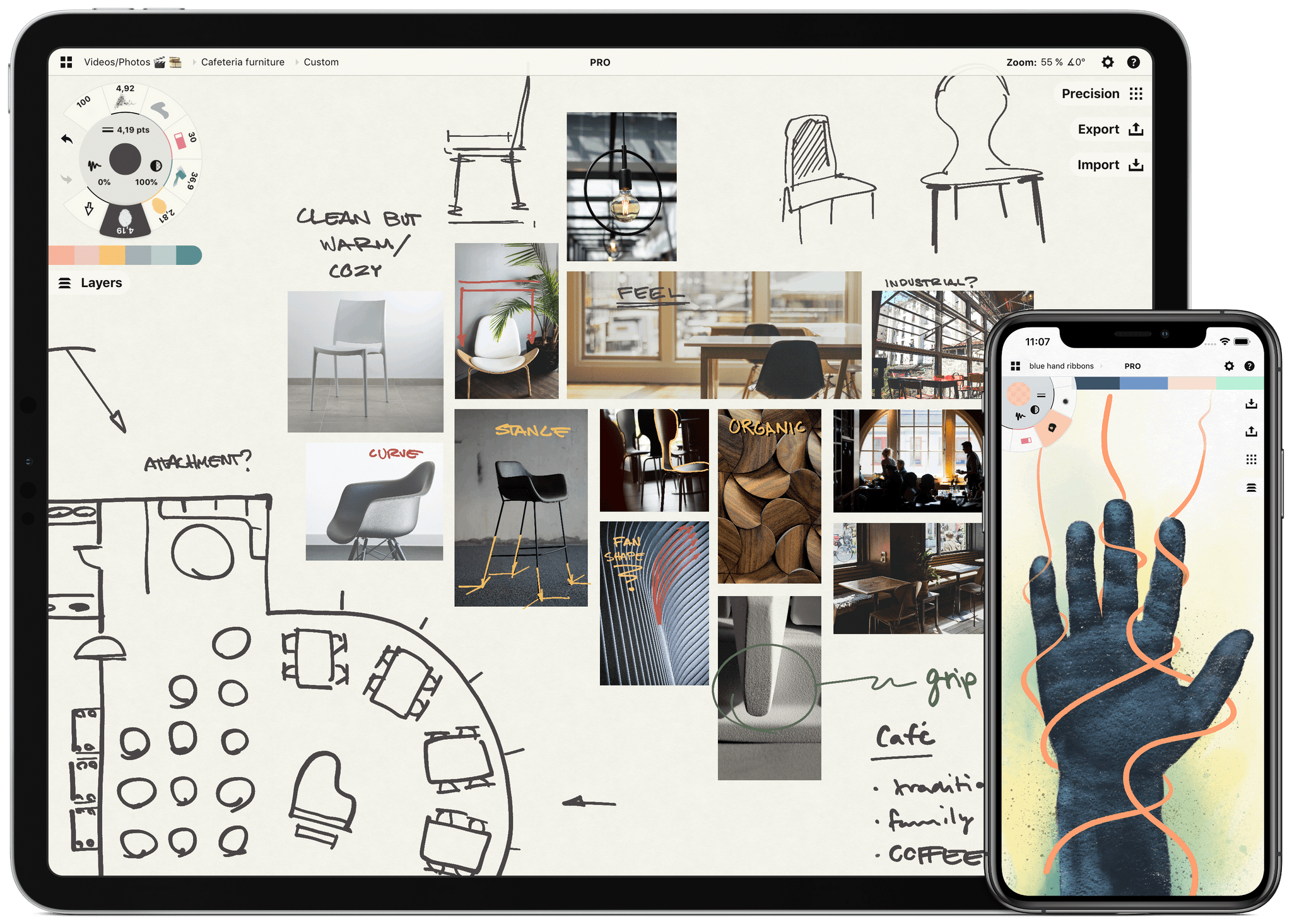
Sketch, explore and share endless ideas with Concepts’ infinite canvas for iPad. Used by creators for visual thinking, note-taking, team communication, and design, Concepts lets you sketch and share your ideas wherever you go.
In Concepts, you can draw with liquid pens and brushes all over the endless canvas, in designer Copic colors. Since everything you draw is a flexible vector, you can move your ideas around like a visual playground to help you see the bigger picture. Organize notes, images, and PDFs into visual moodboards and sketch your ideas on top. Use grids to help you lay out designs, and apply real-world scale for professional projects.
With Concepts, you can whiteboard virtually with teams and clients using apps like Zoom. A built-in Presentation Mode helps you connect with others for live sharing and graphic discussion.
The app comes free as a basic sketching tool, with the ability to unlock 200+ libraries of brushes, objects and services via subscription or one-time purchase. To learn more about Concepts, visit their website.
MacStories readers – Enjoy a special 3-month extended free trial when you sign up for an annual subscription. Get three months of infinite creativity before you are billed.
Our thanks to Concepts for its support of MacStories and our Summer OS Preview series.









](https://cdn.macstories.net/banneras-1629219199428.png)