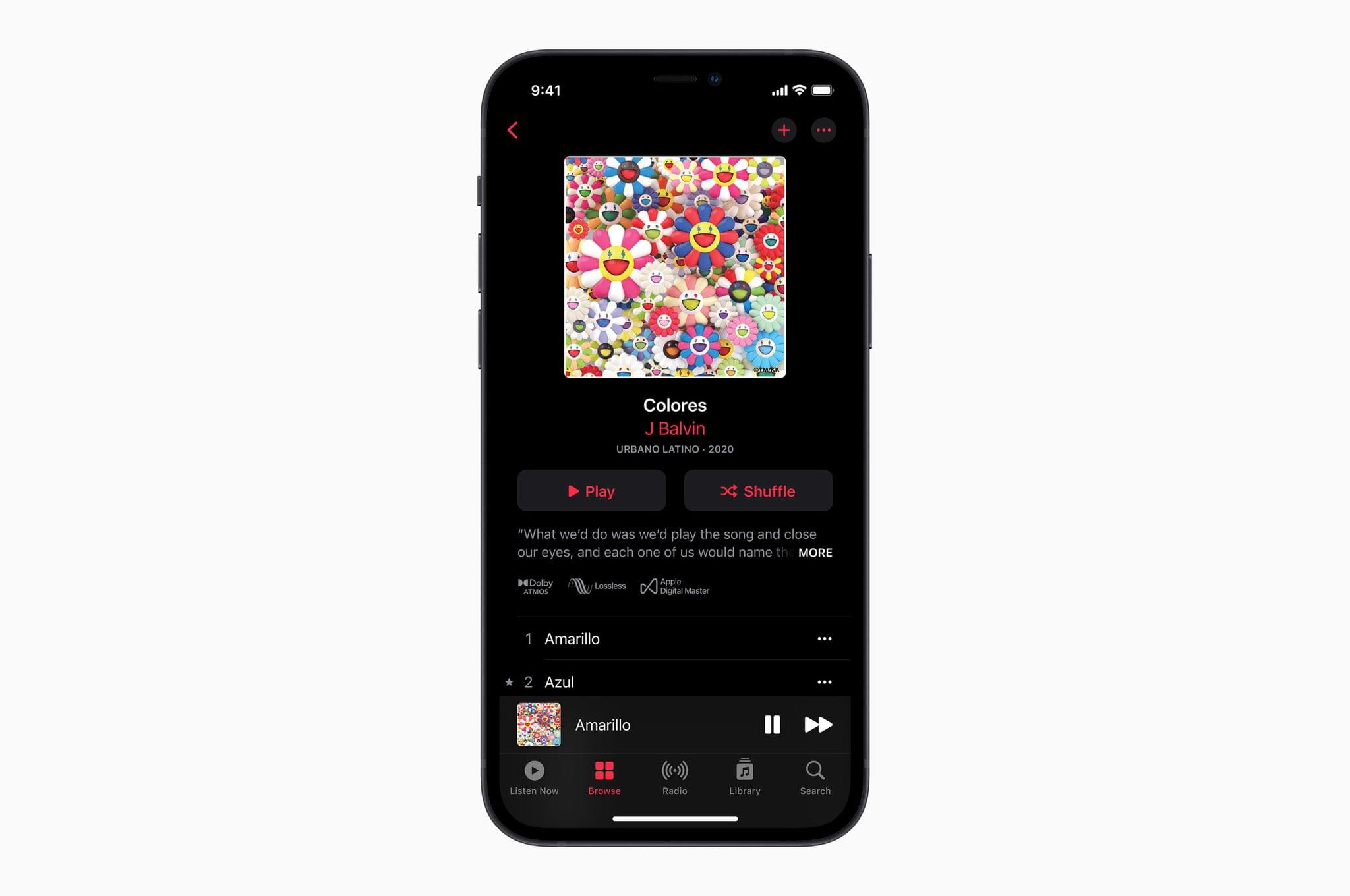
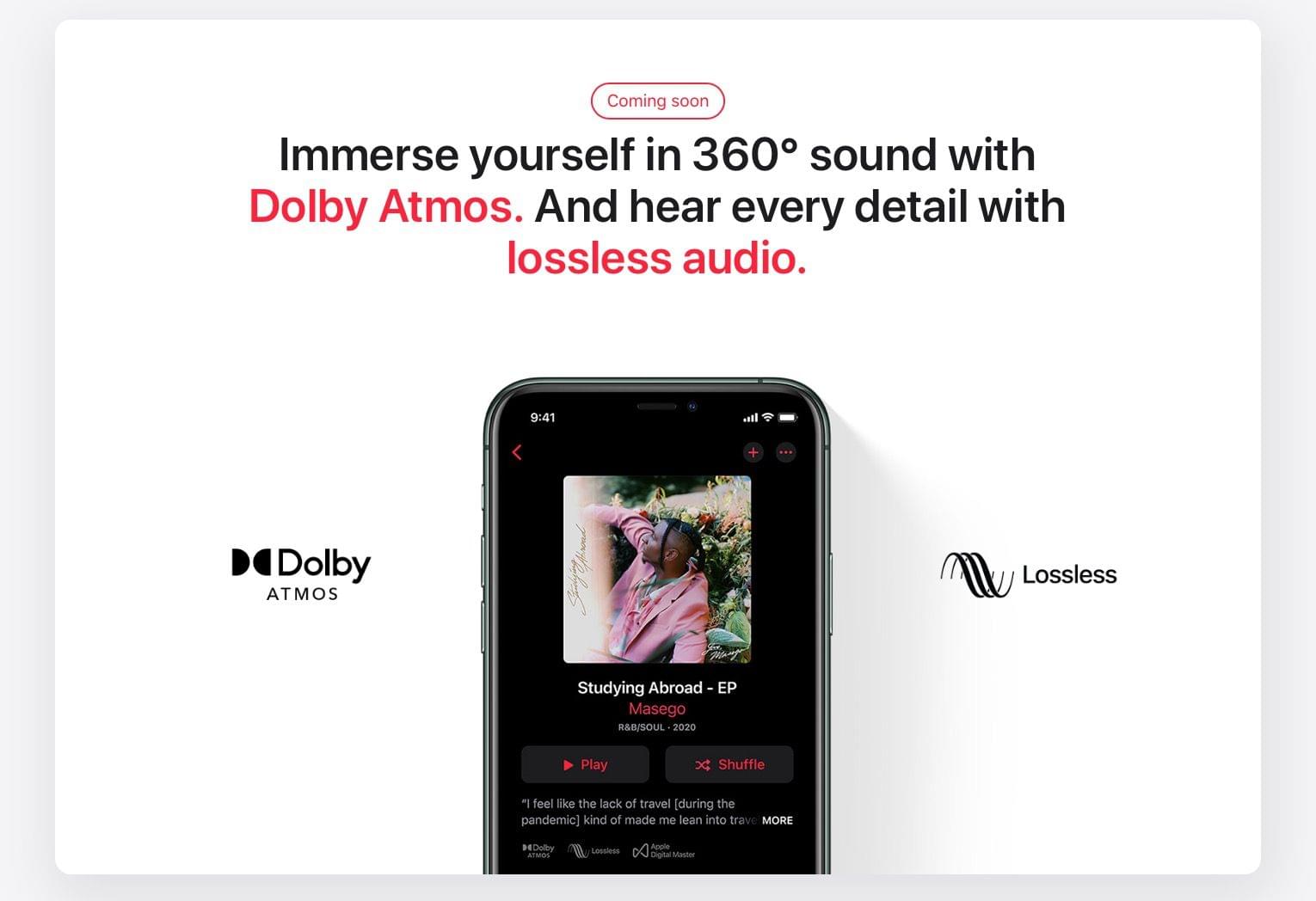
Today, Apple announced that beginning in June, it will offer Spatial Audio with support for Dolby Atmos to its Apple Music collection. The company also announced that it is bringing Lossless Audio to the entire Music catalog. Both features are being added to Apple Music at no additional cost to subscribers.
According to Apple’s press release:
“Apple Music is making its biggest advancement ever in sound quality,” said Oliver Schusser, Apple’s vice president of Apple Music and Beats. “Listening to a song in Dolby Atmos is like magic. The music comes from all around you and sounds incredible. Now we are bringing this truly innovative and immersive experience to our listeners with music from their favorite artists like J Balvin, Gustavo Dudamel, Ariana Grande, Maroon 5, Kacey Musgraves, The Weeknd, and so many more. Subscribers will also be able to listen to their music in the highest audio quality with Lossless Audio. Apple Music as we know it is about to change forever.”
Spatial Audio will be the default playback option for AirPods and Beats headphones with an H1 or W1 chip, including AirPods, AirPods Pro, AirPods Max, BeatsX, Beats Solo3 Wireless, Beats Studio3, Powerbeats3 Wireless, Beats Flex, Powerbeats Pro, and Beats Solo Pro. The feature will be available with other headphones, too, by going to Settings → Music → Audio and setting Dolby Atmos to ‘Always On.’ The playback feature is also supported by the latest models of iPhones, iPads, Macs, and Apple TVs. At launch, Apple says there will be thousands of tracks available with Spatial Audio and Dolby Atmos support and that new ones will be added continuously. Music that supports the feature will be badged in the Music app so subscribers can find it more easily.
In addition to Spatial Audio, Apple is offering lossless audio versions of the entire Apple Music catalog beginning in June, which Apple confirmed to The Verge, is an Apple Music exclusive. In other words, you won’t be able to purchase lossless versions of music from the iTunes Store. The 75 million songs in the catalog will use the ALAC (Apple Lossless Audio Codec) format and start with CD-quality 16-bit audio at 44.1 kHz and go up to 24 bit at 48 kHz. Apple will also offer Hi-Resolution Lossless up to 24 bit at 192 kHz, for which subscribers will need an external USB DAC. Lossless playback is also opt-in due to the large file sizes involved. After iOS, iPadOS 14.6, macOS 11.4, and tvOS 14.6 are released, you’ll go to Settings → Music → Audio Quality to pick between Lossless and Hi-Res Lossless. From the details released today, it is not clear whether AirPods and Beats wireless headphones will support Apple’s lossless formats.
As someone who owns good quality headphones, I’m glad to see Apple adding lossless options to Apple Music. Spatial Audio is intriguing too. It remains to be seen how widely adopted it will be, but I’ve enjoyed it with video via the TV app, so I’m eager to try it with Apple Music too.