This Week's Sponsor:

SoundSource

New Year, New Audio Setup: SoundSource 6 from Rogue Amoeba


Connected, Episode 243: I Win Money Because It’s Green

This week, Federico floats a conspiracy about iTunes, the crew check in on their 2019 predictions, and Myke makes a huge promise before Stephen shares about his Pixel 3a.

On this week’s episode of Connected, we revisit our Apple predictions for 2019 and discuss a fun variety of topics. You can listen here.

Sponsored by:

  • Backblaze: Unlimited cloud backup for Macs and PCs for just $6/month.
  • Squarespace: Make your next move. Enter offer code CONNECTED at checkout to get 10% off your first purchase.
  • Pingdom: Start monitoring your websites and servers today. Use offer code CONNECTED to get 30% off.
Permalink

Perfect Tempo Brings Tempo Control to Apple Music Tracks


Nearly 11 years into the App Store, it isn’t often that an app surfaces that does something unexpected which no one else seems to be doing, but Perfect Tempo by developer Open Planet does precisely that. The app is a simple utility designed for musicians and dancers who want to slow down or speed up music without affecting its pitch and loop it as they learn a song. Other apps have similar functionality that I’ve covered before, but what makes Perfect Tempo unique is that it can slow down and speed up streamed Apple Music tracks, which other apps can’t do.

Read more


Introducing Adapt, a New iPad Podcast on Relay FM

The iPad has been a key subject at MacStories for years. In fact, it was Federico’s exploration of using the iPad as his primary computer that first led me to become a reader of the site, and subsequently an iPad-first user myself.

Today, I’m thrilled to introduce a new podcast on Relay FM where Federico and I get to talk about the iPad and challenge ourselves to do new things with our favorite device. The show is called Adapt, and the first episode is available now.

Adapt was born out of a love for the iPad, and a desire to continue pushing our own use of it forward. Federico formerly hosted an iPad-focused podcast with Fraser Speirs called Canvas, but since that show ended Federico and I have been dreaming up its spiritual successor, with a similar focus on the iPad but a unique new format.

Read more


AppStories, Episode 111 – iOS 13 App Rumors and Wishes

On this week’s episode of AppStories, we share our thoughts on the latest iOS 13 app rumors reported by Mark Gurman and 9to5Mac and other features and updates we’d like to see Apple implement this year.

Sponsored by:

  • Luna Display - The only hardware solution that turns your iPad into a wireless display for your Mac. Use promo code STORIES at checkout for 10% off.
  • Moo - Custom business printing and design. Use promo code PRINT15 for 15% off.

https://staging.macstories.net/podcasts/appstories/episodes/111/embed/

Permalink

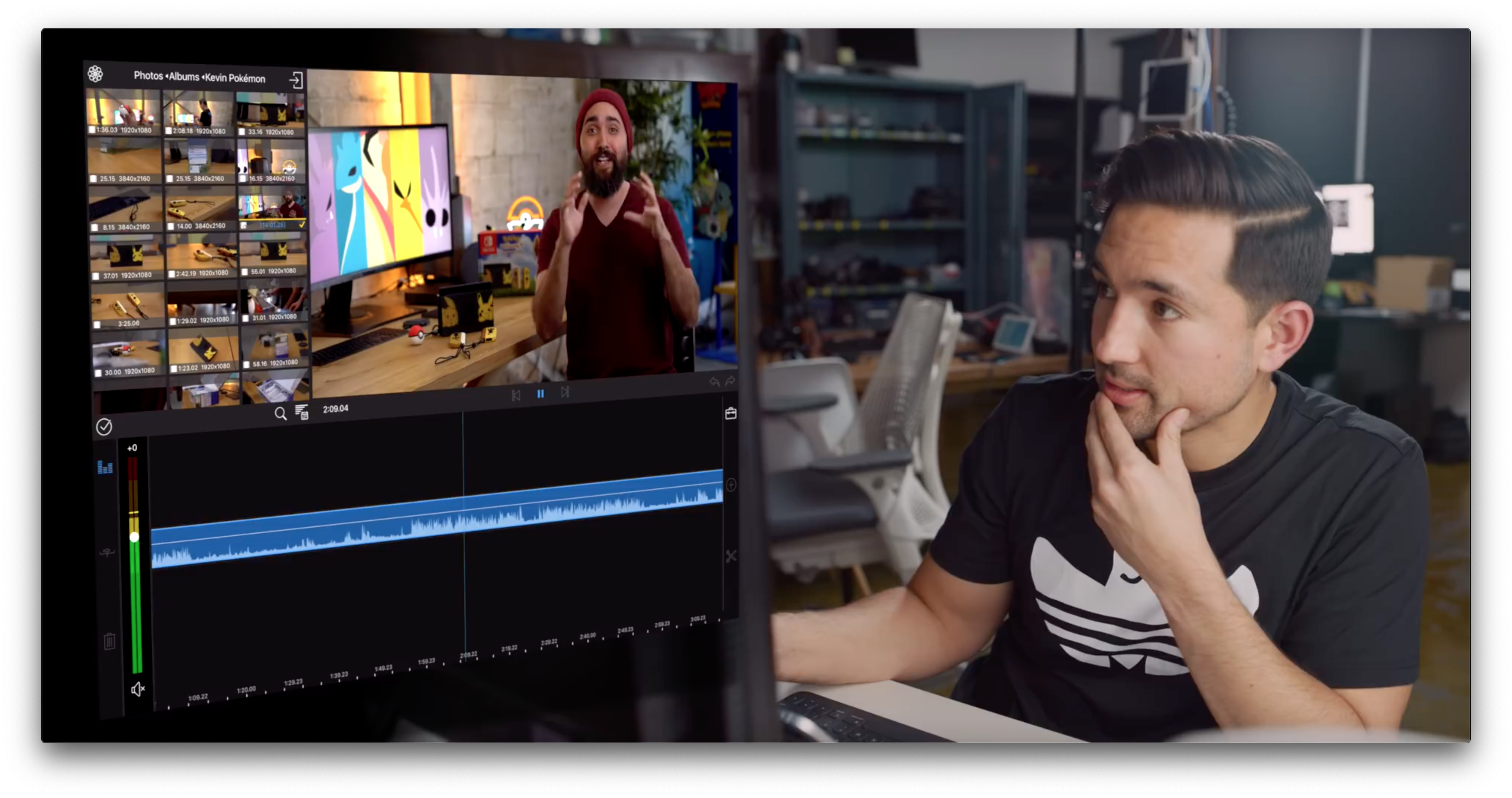
Snapthread 2.0 Adds a Refined UI, an Improved iPad Experience, and New Tools

When I first covered Snapthread early last year, you could tell where it was headed. The app was conceived initially by developer Becky Hansmeyer as a way to combine Snapchat videos. By last January though, the app had evolved into a general-purpose solution for quickly and easily stitching together Live Photos, still photos, and short videos that could be shared on any social network or directly with friends and family. With version 2.0, which is out today, Hansmeyer has refined the existing user experience, added useful new functionality without complicating the app, and leveraged the iPad to create a more versatile video creation tool that works equally well for quickly sharing your creations on social networks as it does with small groups of friends and family.

Read more


Apple Releases iOS 12.3 and tvOS 12.3 with New TV App, AirPlay 2 Support on Smart TVs

Today Apple released iOS 12.3 and tvOS 12.3, both of which center around one main user-facing feature: the new and improved TV app. Apple first shared details of the TV app in its March event, and I reported my hands-on impressions last month, but today the app finally arrives for all users, bringing with it a fresh design and the addition of channels and personalized recommendations.

Alongside the new TV app, today’s iOS update also introduces AirPlay 2 support on compatible smart TVs, timed with Samsung’s own announcement of a firmware update for its TVs that includes both the TV app and AirPlay 2.

Read more


Samsung Smart TVs Gain Apple’s TV App and AirPlay 2 Support

Hot on the heels of Apple’s own release of updates to iOS and tvOS that include the company’s new TV app, Samsung has announced that it too is launching the TV app today. Select models of Samsung smart TVs – all 2019 models and certain 2018 models – will receive a firmware update today that includes both the TV app and the debut of AirPlay 2 support, which enables sending videos from an iOS device to your Samsung TV. From Samsung’s press release:

Fully integrated into Samsung’s Smart TV platform, users can simply select the Apple TV app icon to access all of their iTunes movies and TV show purchases and browse more than 100,000 iTunes movies and TV shows to buy or rent, including titles available in 4K HDR, in pristine picture quality. Customers around the world can also subscribe to Apple TV channels within the Apple TV app — paying for only the ones they want — and watch on demand directly in the app. Samsung Smart TV users will be able to enjoy Apple TV+, Apple’s original video subscription service, in the Apple TV app across the same model lines when the service launches this fall. With AirPlay 2-enabled Samsung Smart TVs, customers can now also effortlessly play videos and other content from their iPhone, iPad or Mac directly to their Samsung Smart TV.

What this quote doesn’t say implies a detail that hasn’t been previously revealed: the version of the TV app available on non-Apple platforms may not offer the full TV app experience. While the presence of channels, iTunes content, and the forthcoming Apple TV+ are no surprise, what’s missing is any reference to the other content currently offered by the app on tvOS and iOS. It sounds like legacy app integrations with services like Hulu and Amazon Prime Video, which require having those apps separately installed, are not going to be supported on Samsung TVs – nor, undoubtedly, any other third-party hosts of the TV app.

I suspected this might be true following Apple’s original announcement of the new TV app, since these existing integrations rely on frameworks inherent to both iOS and tvOS themselves. Because Apple doesn’t control the platforms that the new TV app is expanding to, it’s understandable why they can’t offer these legacy integrations anymore, despite keeping them available on their own first-party platforms.

The TV app’s legacy integrations may not offer the same level of experience as something like channels or Apple’s own library of content, but they remain a solid way to centralize as much of your TV watching as possible in one app, and using the one unified Up Next queue. If these integrations truly are missing from the TV app on third-party devices, that’s a key difference worth considering.


iOS 13 App Rumors and Wishes

AppStories+ Deeper into the world of apps

AppStories Episode 111 - iOS 13 App Rumors and Wishes

0:00
33:53

AppStories+ Deeper into the world of apps

This week, Federico and John share their thoughts on the latest iOS 13 app rumors reported by Mark Gurman and 9to5Mac and other features and updates they’d like to see Apple implement this year.

Read more


Designing a Dark Theme for OLED iPhones

Vidit Bhargava, UI designer for the excellent LookUp dictionary app, details in a Medium post how implementing an OLED-friendly dark theme in an app is more complicated than one might think. For example:

When an interface that uses a black theme for its background starts displaying content on the screen, the pixels needs to switch on before they can display the content. So, when you’re scrolling through the content in a black background, the pixels find it hard to keep pace with your scrolling, resulting in a smear on the screen.

Bhargava uses the following tweet from Marc Edwards to illustrate this smearing issue.

The solution utilized in LookUp was making its black theme not entirely black, but a dark enough grey that it appears black in use.

The rest of the post outlines the impact of black, dark grey, and white themes on a device’s battery life, along with the readability challenges inherent to black themes. It’s a fascinating read, and goes to show that a quality OLED-optimized dark theme requires a lot of thought and care to achieve.

Permalink