John Voorhees

5429 posts on MacStories since November 2015

John is MacStories' Managing Editor, has been writing about Apple and apps since joining the team in 2015, and today, runs the site alongside Federico. John also co-hosts four MacStories podcasts: AppStories, which covers the world of apps, MacStories Unwind, which explores the fun differences between American and Italian culture and recommends media to listeners, Ruminate, a show about the weird web and unusual snacks, and NPC: Next Portable Console, a show about the games we take with us.

Apple Releases New App Design Resources for the Mac and Apple Watch

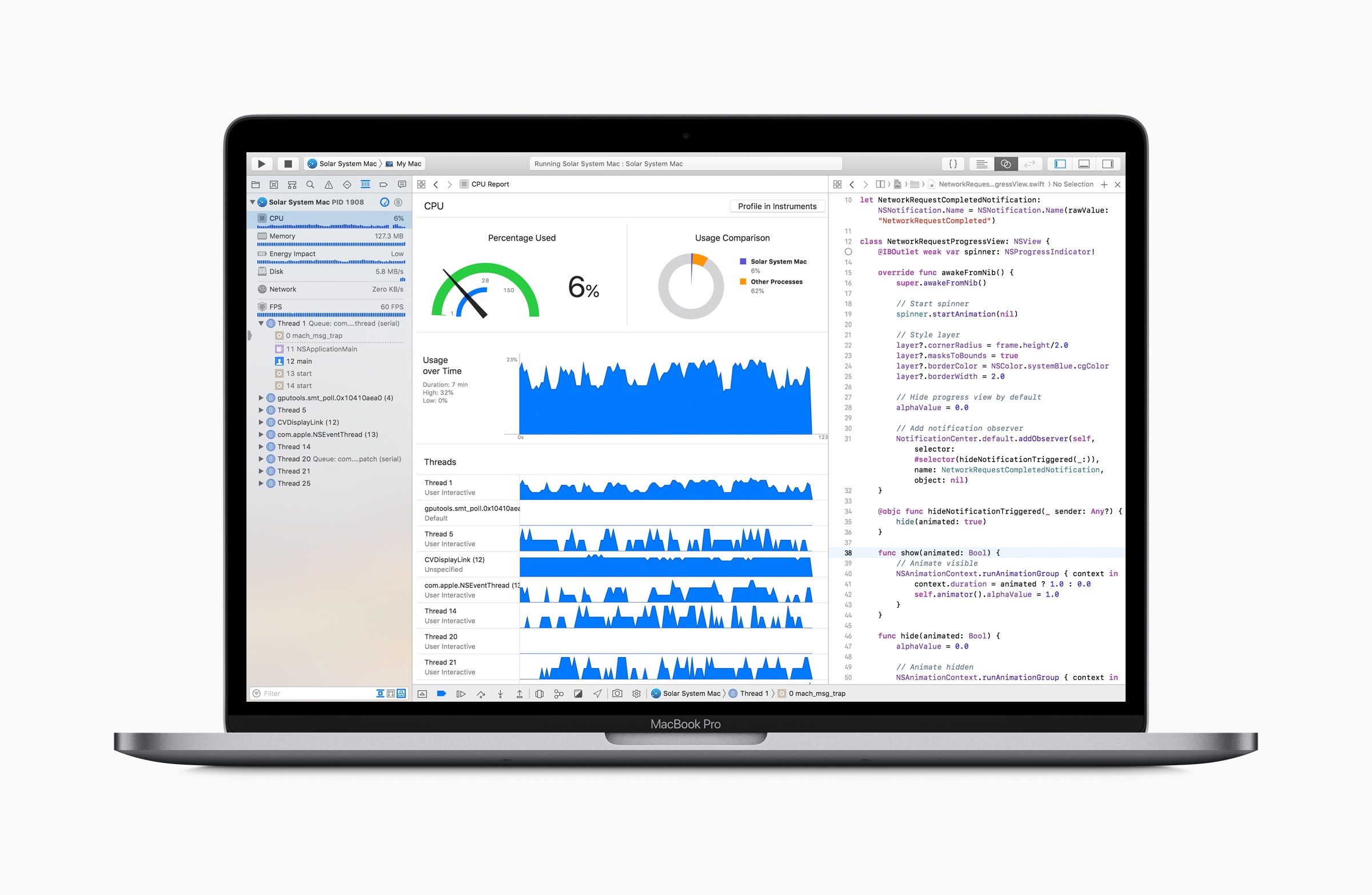
As tweeted by Mike Stern, Apple’s Platform Experience and Design Evangelism Manager, Apple has updated its AppKit design resources with a comprehensive set of UI elements for making Mac apps. The UI elements come in both Aqua and the Dark Aqua variants for designing Dark Mode Mac apps.

https://twitter.com/themikestern/status/1022502042852454401

The update, also announced on Apple’s developer news website, includes new watchOS UI elements too, including ‘dozens of new UI elements for watchOS apps, watch face templates for designing complications, a color guide, and new text styles.’

The design assets are available to download in both Photoshop and Sketch formats from the Resources section of Apple’s Human Interface Guidelines website. A full list of all the changes is available here.


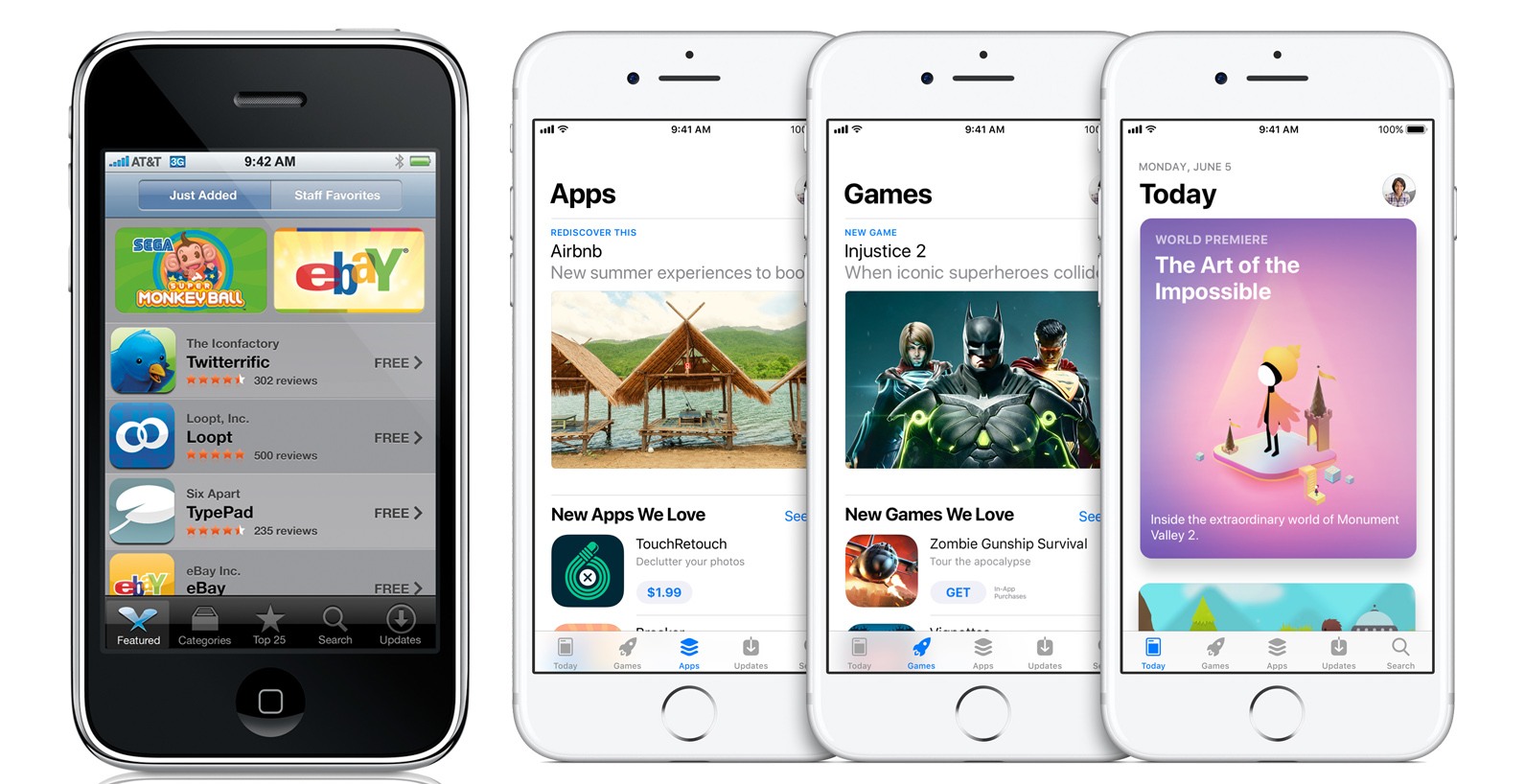
Steve Jobs Interview Covering the First Month of the App Store Released by The Wall Street Journal

One month after the App Store debuted, Nick Wingfield of The Wall Street Journal sat down with Steve Jobs to see how it was going. Today, The Wall Street Journal released a full transcript and audio of the interview on their site. The interview is behind the Journal’s paywall, but it’s worth a read or listen if you have access to it.

At the time of Jobs’ conversation with Wingfield, there were over 1500 apps on the Store, and Jobs estimated around 50 were being added each day. According to Jobs, of the 1500+ apps on the App Store:

27% of them are free, leaving 73% paid. Of the paid apps, over 90% are under $10.

Jobs put the numbers in perspective by comparing them to iTunes downloads:

Users have downloaded over 60 million apps from the App Store in the first 30 days…. That is 30% as big as iTunes for music downloads.

Jobs went on to explain what that meant to developers:

The total revenue has been $30 million in the first 30 days. Developers get 70% of that. Developers get $21 million. Nine of that $21 million is going to the top 10 developers. A lot of small developers are making a lot of money.

What can only be captured by the audio of the interview, is Jobs’ apparently sincere astonishment at the success of the App Store. In retrospect, it’s amusing to hear Jobs speculate that the App Store might someday reach $1 billion in revenue when we know now that it’s paid out a net to developers of $100 billion:

We’re already at a $360 million a year run rate. This thing is going to crest to half a billion soon.

Who knows? Maybe it’ll be a billion dollar marketplace at some point in time. This doesn’t happen very often. A whole new billion dollar market opens up. 360 million in the first 30 days, I’ve never seen anything like this in my career for software.

Although I’m surprised that The Wall Street Journal waited more than two weeks after the 10th anniversary of the App Store to release the interview, I’m glad they did. The interview is full of interesting facts about the early App Store and a unique insight into Steve Jobs’ reaction to the Store’s runaway success. I highly recommend you listen if you can.

Permalink

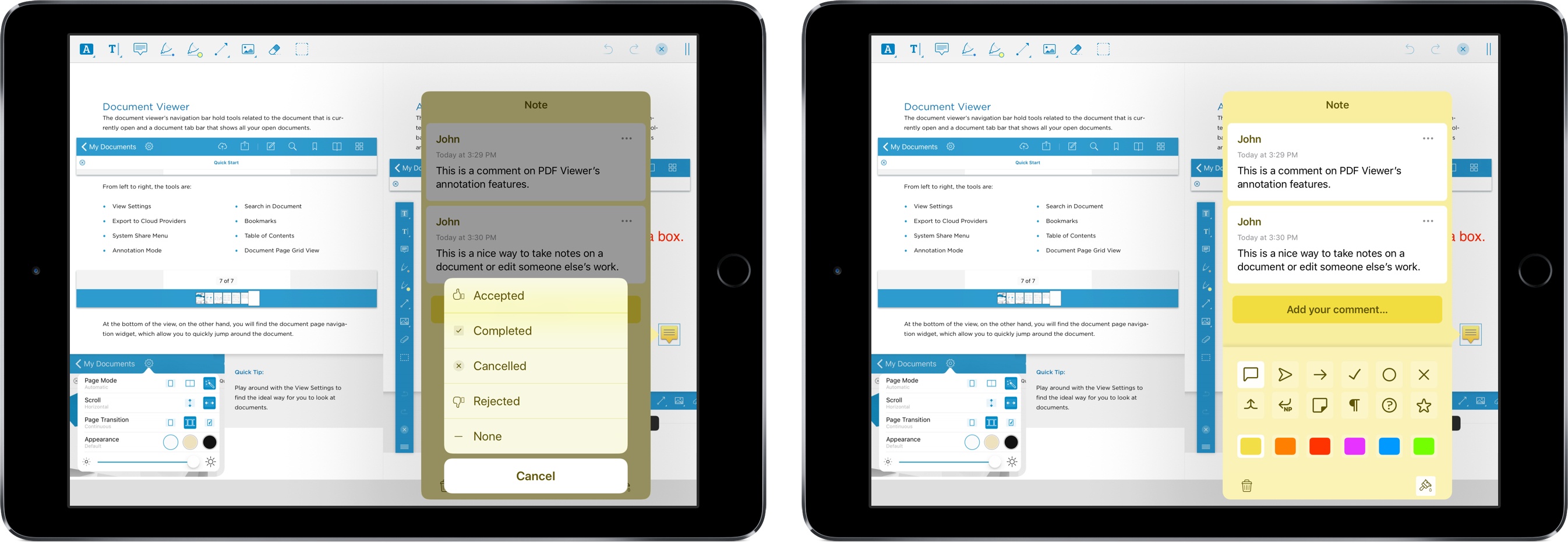
PDF Viewer Offers a Pro Pack with Advanced PDF Editing and Collaboration Tools

As Federico and I discussed on AppStories this week, PDFs are a big part of the work day for many people. There are several solid PDF apps for iOS, but one of my favorites is PDF Viewer by PSPDFKit, the maker of a PDF viewing and editing SDK that many well-known companies use to integrate PDF functionality into their apps.

One of PDF Viewer’s advantages is that it’s free. With version 3, PDF Viewer’s core functionality remains free, but it is introducing a Pro Pack that is a set of advanced features available as part of a $9.99/year or $2.99/3-month subscription.

It’s a savvy move and one that’s been well-executed. By first building a free PDF app with functionality that rivals established paid apps, PDF Viewer has made a name for itself in a crowded market. The broad feature set of the free version of PDF Viewer, which we’ve covered in the past here, here, and here makes it hard for someone to argue that the app is only useful if you pay for the In-App Purchase. That’s just not the case. If you work with PDFs every day, you’ll love the new pro features, but the app’s free version still serves more casual users as well as ever.

Read more


PDF Apps

AppStories+ Deeper into the world of apps

AppStories Episode 71 - PDF Apps

0:00
33:04

AppStories+ Deeper into the world of apps

Federico and John discuss the world of apps for viewing, organizing, marking up, editing, and creating PDFs.

Read more


iFixit Tests MacBook Pro’s Keyboard Membrane

iFixit ran more tests and took a closer look at the keyboard membrane that was added to the 2018 MacBook Pro released last week. It turns out, the membrane is one sheet of die-cut silicone with tiny cutouts to allow keycaps to connect to the butterfly switches beneath.

To test how well the new design holds up against dust, iFixit sprayed a new MacBook Pro with a dusting of paint additive. They then tore apart the notebook and found:

Lo and behold, the dust is safely sequestered at the edges of the membrane, leaving the mechanism fairly sheltered. The holes in the membrane allow the keycap clips to pass through, but are covered by the cap itself, blocking dust ingress. The previous-gen butterfly keys are far less protected, and are almost immediately flooded with our glowing granules. On the 2018 keyboard, with the addition of more particulate and some aggressive typing, the dust eventually penetrates under the sheltered clips, and gets on top of the switch—so the ingress-proofing isn’t foolproof just yet. Time will tell how long the barrier will hold up.

iFixit followed up by testing with grittier sand, which managed to cause keys to stick.

It’s good to see that the MacBook Pro’s keyboard withstands fine particles better than earlier models in testing. The real test, of course, is long-term human testing. Only time will tell whether the 2018 MacBook Pros can hold up when faced with a crumbly muffin in your local café or the pollen blowing across your keyboard as you browse the web in your backyard.

Permalink