Federico
AppStories Episode 44 - App Culture: Mindfulness and Meditation Apps
0:00
30:59
30:59
Federico and John talk about the trends and app culture surrounding mindfulness and meditation apps.


 App Culture: Mindfulness and Meditation Apps
 Optimizing your WiFi network doesn’t have to be difficult. With WiFi Explorer, you can scan the networks around you, troubleshoot issues that slow yours down, and keep things humming along as conditions change.
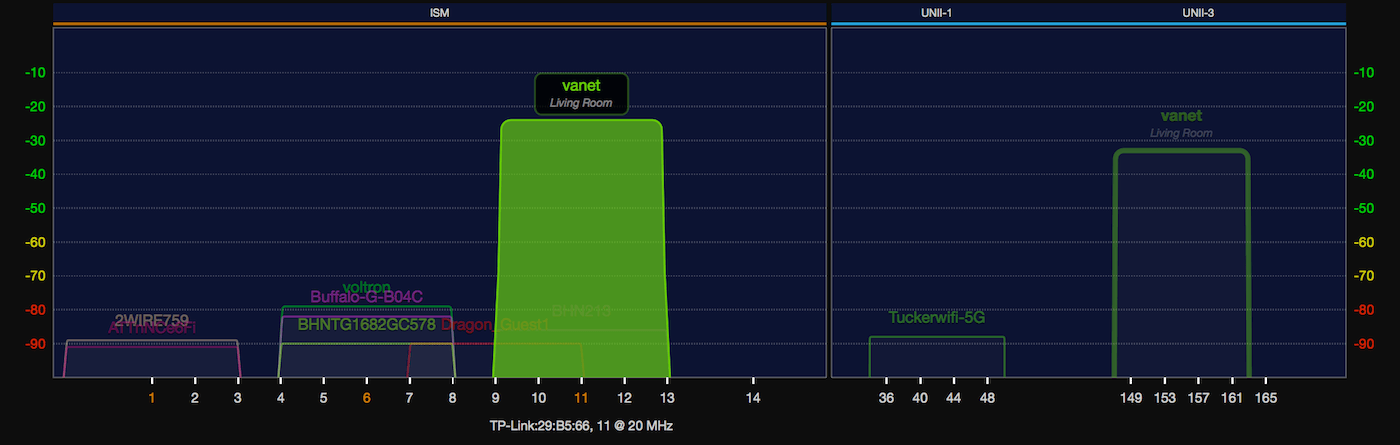
The trouble with setting up a WiFi network is that it can be hard to understand how other networks affect yours. WiFi Explorer eliminates the guesswork by providing a rich, graphical visualization of all the networks within range. You can see exactly where you’ve got channel conflicts with overlapping networks and make changes accordingly. It’s invaluable information for fine-tuning your network.
Whether you’re setting up or optimizing your home network or troubleshooting an enterprise network, WiFi Explorer is a fantastic solution. The app reports signal quality based on the signal-to-noise ratio and signal strength, scanning and collecting data continuously so you can analyze it in real-time or save it to study later. There’s also a handy advanced tab with all sorts of network configuration data that’s a lifesaver when you’re troubleshooting a network issue.
WiFi Explorer is incredibly advanced, but if you’re an IT or WLAN professional who needs even more, there’s a Pro version of the app just for you. WiFi Explorer Pro adds active and passive scan modes, integrated spectrum analysis, enhanced filtering, support for networks with hidden SSIDs and remote sensors, dark and light themes, and more.
WiFi Explorer has a special limited-time offer just for MacStories readers. Use the coupon code MACSTORIES30 at checkout to get 30% off on WiFi Explorer or WiFi Explorer Pro.
Thanks to WiFi Explorer for supporting MacStories this week.
 Fine-Tune Your iOS Web Reading Experience
Creating an RSS Feed for a Site That Doesn’t Have One
Q&A
App Debuts
Fine-Tune Your iOS Web Reading Experience
Creating an RSS Feed for a Site That Doesn’t Have One
Q&A
App Debuts On this week’s episode of AppStories, we follow up our RSS app and service episode with a closer look at how each of us uses RSS for work and pleasure reading.
Sponsored by:
https://staging.macstories.net/podcasts/appstories/episodes/43/embed/






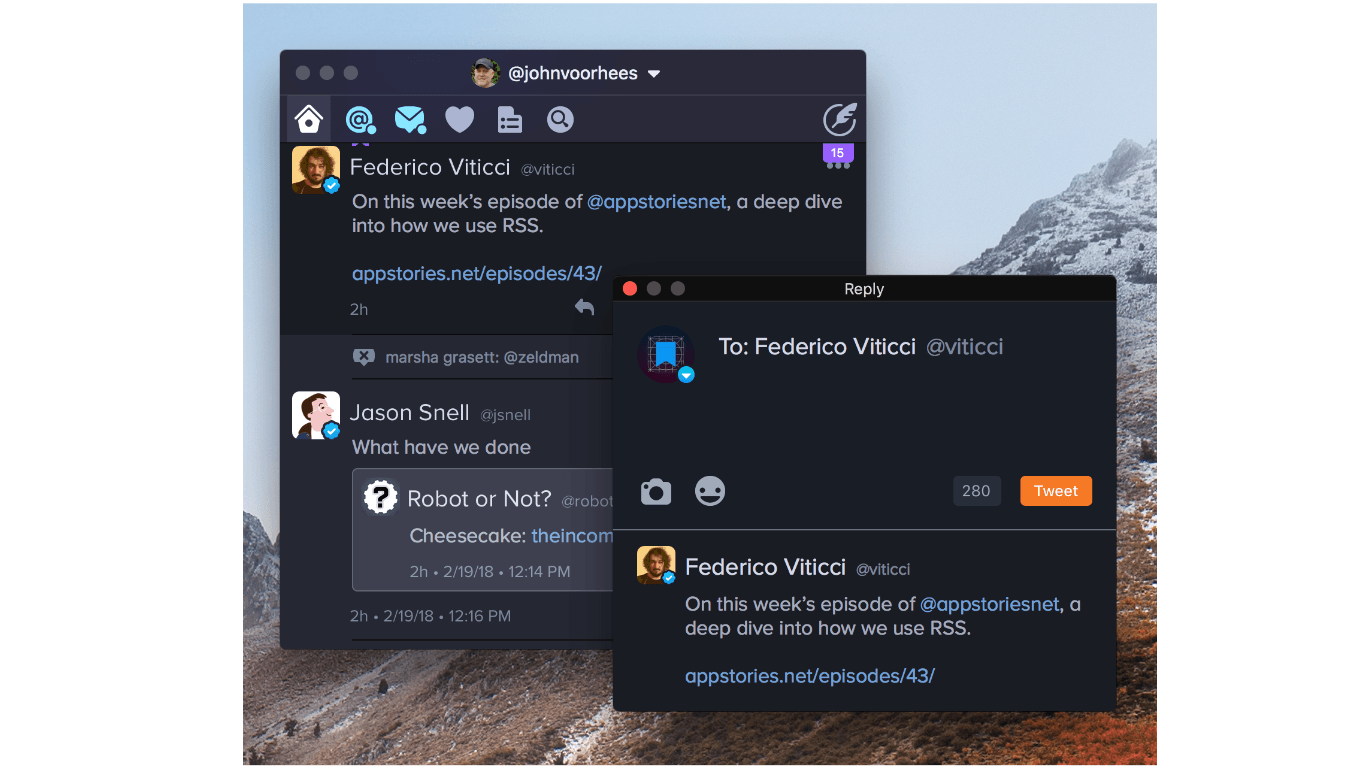
Hot on the heels of Twitter’s abandonment of its official Mac client last week, The Iconfactory announced new Twitterrific features and a price reduction.
One of the highlights of the update is enhancements to multi-account support. If you have more than one Twitter account set up in Twitterrific, right clicking on the reply, quote, retweet, or like buttons displays a popup window for choosing which account you want to use for each of those functions. Alternatively, if you are in the middle of composing a reply or quote-tweet, click on your avatar in the compose window to switch the account from which it will be sent.
The Iconfactory has added several other nice refinements too:
Twitterrific for Mac has come a long way since the commencement of its crowdfunding campaign last winter, and many of the shortcomings of version 1.0 that I highlighted in my review last October have been addressed. It’s fantastic to see Twitterrific continue to grow and evolve, especially now that Twitter has walked away from its Mac app.
To celebrate the one year anniversary of Project Phoenix, the crowdsourced Kickstarter project that relaunched Twitterrific on macOS, the price of the app has been reduced from $19.99 to just $7.99. Twitterrific is available on the Mac App Store.
How We Use RSS