


Drafts by Agile Tortoise is where I start most miscellaneous writing that is longer than a couple of sentences. Things like correspondence to the press about an app launch, a longer note to a friend, or a list of apps I want to check out all end up in Drafts. What each of these...
Apple Promotes Alternate Conferences and Events Surrounding WWDC
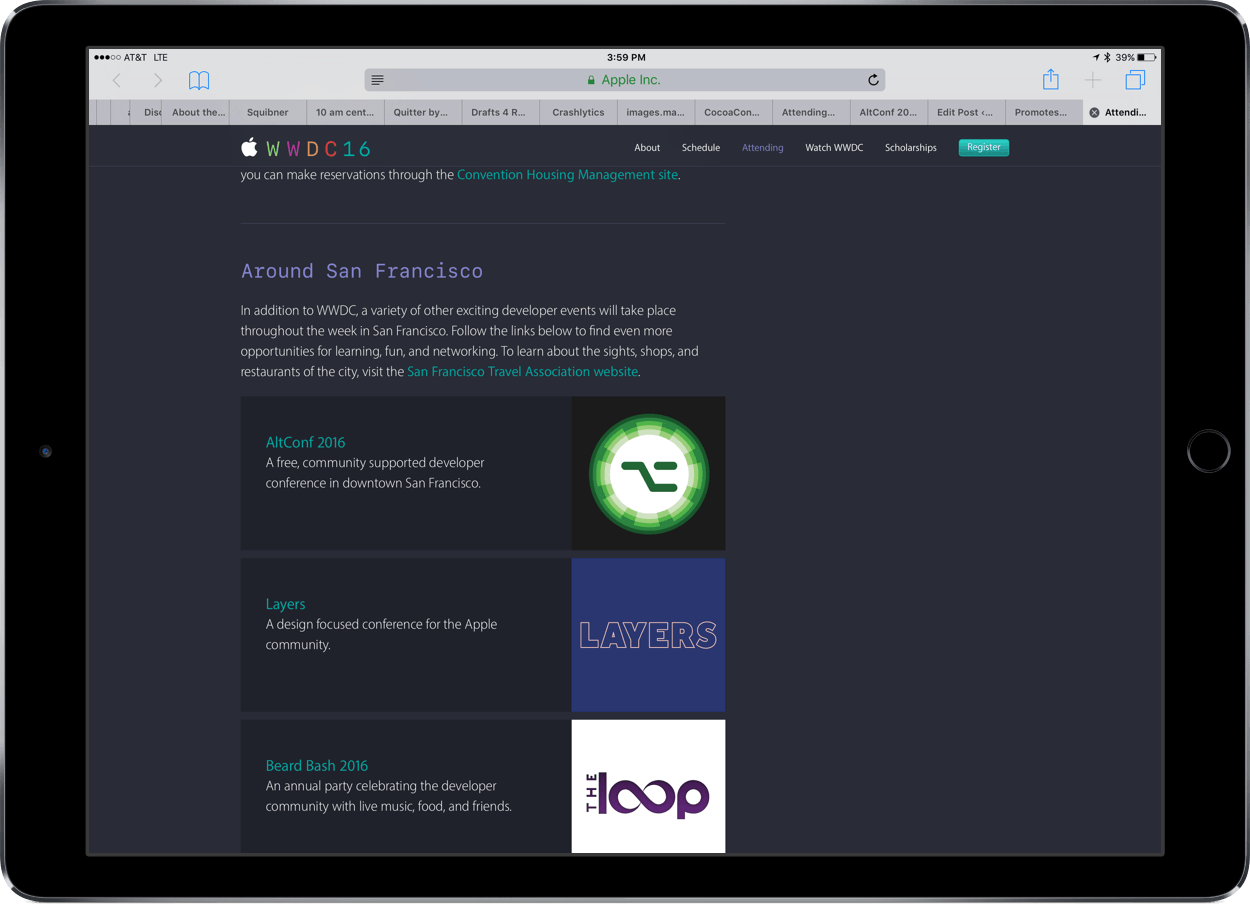
Apple’s history with events scheduled around WWDC has been stormy. In 2013, CocoaConf scheduled an alternative conference for developers who were unable to get a ticket to WWDC called CocoaConf Alt. The conference was set to coincide with WWDC until CocoaConf organizers received an email from the Intercontinental Hotel that they could not hold the conference due to a contractual conflict with Apple. More recently, AltConf (originally AltWWDC and changed) planned to stream the 2015 WWDC keynote and State of the Union presentations at the Metreon Theater across the street from Moscone West. Initially, Apple threatened legal action, but ultimately, agreed to allow AltConf to stream the sessions that Apple streamed itself.
That bit of recent history makes today’s news that Apple is affirmatively promoting alternative conferences all the more welcome. Not only is Apple promoting AltConf, but also Layers, a fantastic design-centric conference that I attended last year and highly recommend.
In addition to alternative conferences, Apple is promoting a couple of high-profile community events – the Beard Bash, hosted by The Loop and iMore, and The Talk Show Live, hosted by Daring Fireball.
Apple’s acknowledgement of some of the best events surrounding WWDC is welcome and the sort of thing that gets me excited for WWDC.
Readdle Updates PDF Expert with Apple Pencil Support and WiFi File Transfers
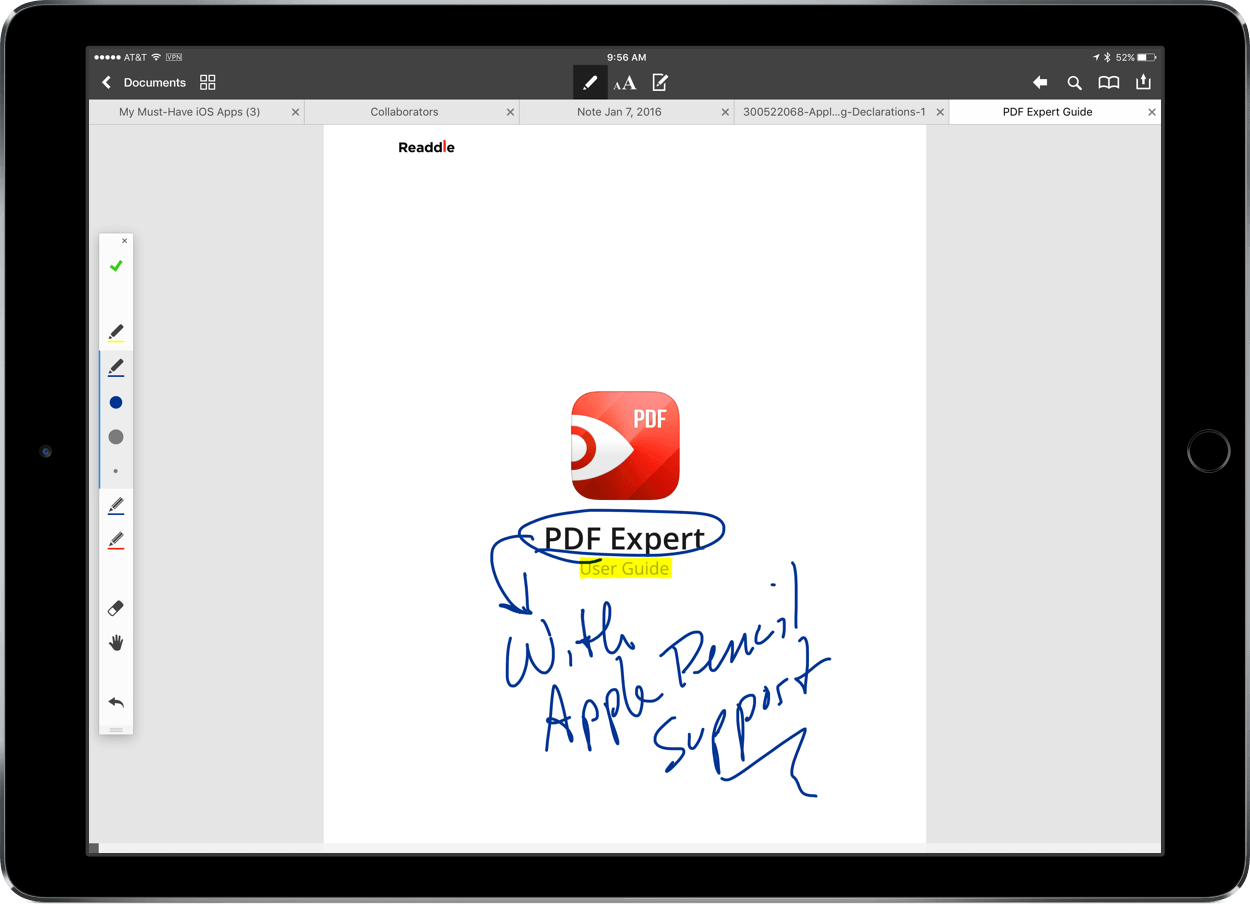
Today Readdle updated PDF Expert for the Mac and iOS with two new features - Apple Pencil support for the iPad Pro and file transfer between the Mac and iOS. In my initial tests, Apple Pencil worked well in most circumstances and file transfer may come in handy for some people, though it’s a little cumbersome compared with saving PDFs to a cloud storage service.
Quip Spreadsheets Redesigned and Updated
With a redesign and update on the Mac, iOS and the web today, Quip has made the spreadsheet component of its document collaboration tool significantly more powerful. However, most of the changes today are only to the Mac version of Quip.
Quip redesigned its spreadsheet menu and formula bars on the Mac to make existing features more discoverable. Number crunching is one of Quip’s strengths. The formula bar supports over 400 different functions and over a dozen data formats.
Quip for Mac also adds several new features to spreadsheets including:
- Column filters
- Cell merging
- Checkboxes, which great for creating task lists
- Better text formatting options
- Additional currency options
One feature that sets Quip apart from many other spreadsheet apps is the ability to combine text and spreadsheets in one document, adding context to the numbers in a spreadsheet. This leads to another handy advantage. The formulas you are familiar with using in a spreadsheet can be dropped directly into the text surrounding the spreadsheet so the results of those formulas are automatically updated when the spreadsheet data changes. This, combined with the ability to add comments down to the individual cell level and chat in the sidebar with colleagues, makes an excellent choice for teams.
The improvements to Quip on the Mac and web are welcome, and bring Quip spreadsheets closer in functionality to dedicated spreadsheet apps like Numbers or Excel, but Quip for iOS’s functionality remains behind its Mac counterpart in significant ways. For instance, on iOS there does not appear to be a way to search for data in a spreadsheet or undo actions like sorts performed on columns, which is problematic if you make a mistake. Notwithstanding the limitations on iOS, today’s update of Quip make it a strong alternative to things like Google Docs.
Full details and a video preview on the Quip update are available on Quip’s blog.
Apple Releases iTunes 12.4 and OS X 10.11.5
Apple released iTunes 12.4 today with various design enhancements. iTunes 12.4 brings the sidebar back to the left side of the app when you are navigating your library of media, whether that’s music, movies, TV shows, apps, podcasts, or audiobooks. The sidebar is hidden when you navigate Apple Music, the App Store, and the iTunes Store.
Apple has also redesigned the media picker that sits just above the sidebar. Previously the picker consisted of a row of icons representing each media type and could be edited to include only the media types you wanted to show. The new media picker is a dropdown menu that like its predecessor is editable, and adds the name of each type of media next to its icon. Music is the one media type that cannot be removed from the media picker. iTunes 12.4 also includes simplified menus.
It is not clear from the release notes whether iTunes 12.4 includes fixes related to a recently-reported bug that deleted music files from iTunes in rare circumstances that Apple has been unable to reproduce.
Today’s updates also include a minor revision to OS X. Version 10.11.5 of OS X “improves the stability, compatibility and security” and addresses a handful of enterprise-related issues.
 Member Requests
Question: Is there any way to use Workflow to quickly get all photos out of a Messages conversation into your camera roll? (Adrian, @Therealizzy)
 Federico
Unfortunately, Adrian, Workflow doesn’t have this kind of access to the iOS file system. Due to sandboxing restrictions on iOS, apps can’t look into the contents of entire Messages conversations....
Tips
I love keyboard shortcuts. I’m a touch typist, so the more I can keep my hands on the keyboard the better. Ulysses does keyboard shortcuts right with a large number of shortcuts that are the same on OS X and iOS. I particularly appreciate Ulysses’ shortcuts that combine the command key and a number...
Google Releases Gboard, a Search Keyboard for iOS

Despite some shortcomings in the way iOS handles third-party keyboards, they seem to have taken off recently. Just in the last month Microsoft’s Garage project released the Hub keyboard and Word Flow. Now, Google’s getting into the keyboard game with Gboard, which lets you search Google for all sorts of information.
I’ve only been playing around with Gboard for a short time, but the results have been impressive. Gboard solves a common problem on mobile devices – sharing information. Whether you’re using Twitter, email, or a chat client, it’s not uncommon to have to leave the app you are using to find the information you want to share, whether that’s a location, a GIF, a photo, or even something like a stock price or the weather.
Instagram Says Goodbye to Skeuomorphism with New Icon, Redesign

Long after Apple abandoned skeuomorphism with the introduction of iOS 7, Instagram held onto the past with its Kodak Instamatic-inspired icon. It had been so long since Instagram’s icon was updated that you could count on a flurry of snarky jokes on Twitter every time the app was updated without an icon redesign.
Today, nearly three years since iOS 7 was introduced at WWDC in 2013, Instagram has unveiled a redesigned icon, not only for its flagship app, but also for Layout, Boomerang, and Hyperlapse.