John Voorhees

5429 posts on MacStories since November 2015

John is MacStories' Managing Editor, has been writing about Apple and apps since joining the team in 2015, and today, runs the site alongside Federico. John also co-hosts four MacStories podcasts: AppStories, which covers the world of apps, MacStories Unwind, which explores the fun differences between American and Italian culture and recommends media to listeners, Ruminate, a show about the weird web and unusual snacks, and NPC: Next Portable Console, a show about the games we take with us.

Gemini 2 Trims More Fat from Your Mac Than Ever Before

Just as hard drives seemed to get so big that you couldn’t possibly fill one, laptops and many desktops switched to SSD storage, which is fast, but comes in much smaller capacities. Suddenly, storage seemed to fill up faster than ever and file management was important again.

One way I’ve dealt with the new reality of SSD storage is by running Gemini, a Mac utility from MacPaw that helps you reclaim precious storage on your Mac by detecting duplicate files. Today, MacPaw released Gemini 2, which introduces a cleaner, more modern design that no longer mimics an outdated version of iTunes. But the changes to Gemini are more than skin deep. MacPaw also extended Gemini’s functionality by adding the ability to detect similar files, which you may want to discard to save even more space on your Mac.

With a name like Gemini, I figured, what better way to put it through its paces than to run both versions side by side to see what each could find in my 176 GB Dropbox folder. The results were impressive. Gemini 2 beat its predecessor by finding 1.23 GB of duplicates to Gemini’s 555 MB. Gemini 2 also found an additional 1.24 GB of similar files – a clear win for Gemini 2. To get a better idea of how Gemini 2 found potential storage savings almost five times greater its predecessor, I dug deeper into the results.
Read more


App Debuts

Diced Diced is a simple dice game from Agile Tortoise, maker of Drafts and other productivity apps. You play Diced on a 5x5 grid. The goal is to get five of a kind or five dice in ascending or descending order in a vertical or horizontal row, but not diagonally. The die you have...


iOS Travel Apps, Vol. 1

With WWDC around the corner, it’s time to dust off my travel apps. Here are a handful of my go-tos: Hipmunk Searching for flights, hotels, and rental cars is a necessary evil. I never rely on just one travel search engine to find a good deal, but over time, I have learned to...


SoundShare Launches an Ambitious Social Network For Music Fans

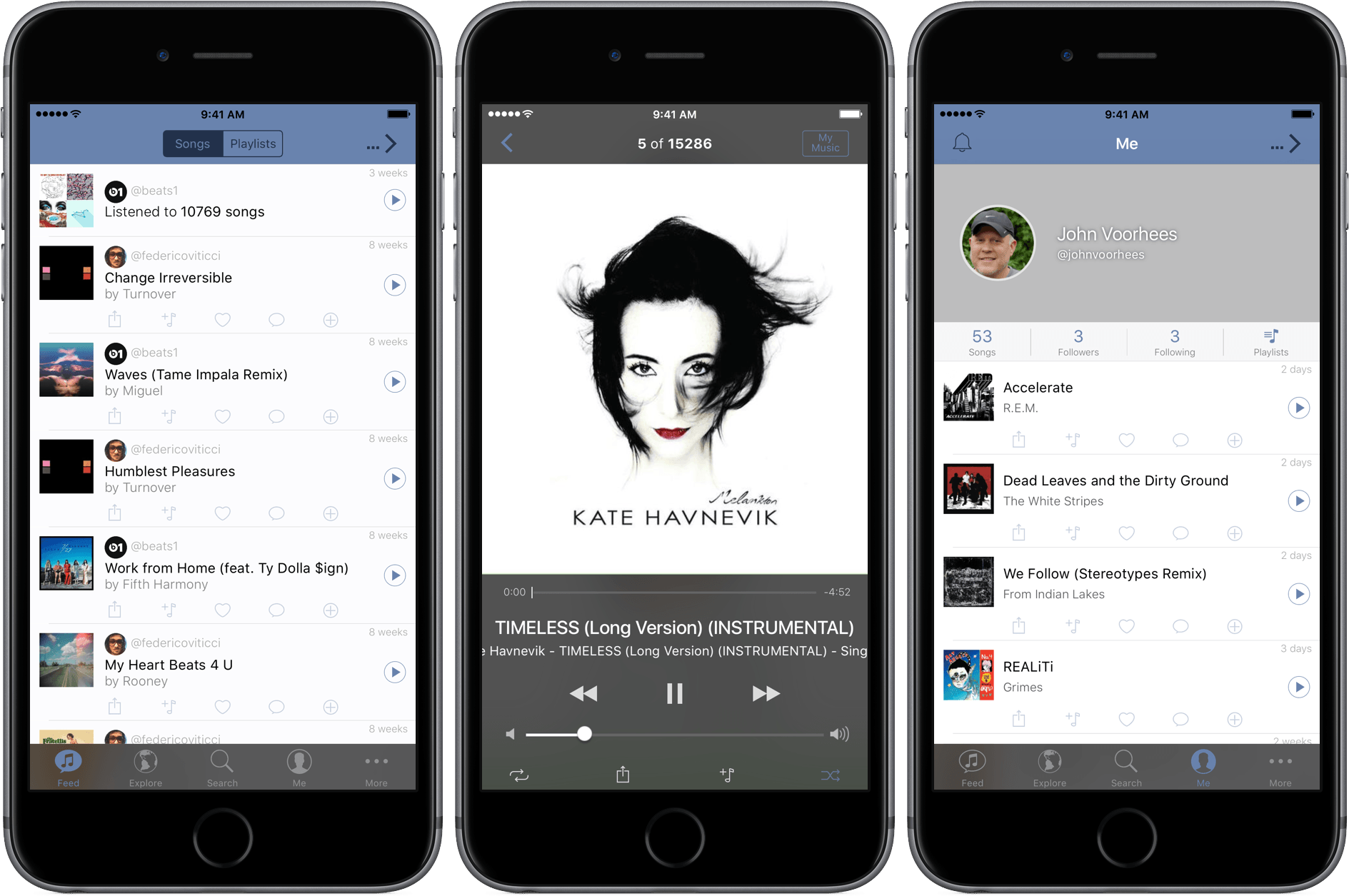
Today, Mateus Abras launched SoundShare 2.7, a social network for music lovers. SoundShare is an iPhone-only app designed to break down the walls between competing streaming services so that it’s easier to share music with your friends. Integration with Apple Music, Spotify, and Deezer allows music sharing with others and collaboration on playlists regardless of which service your friends use.

The social aspect works on the familiar follower/following model. When you play songs in SoundShare by giving it access to your streaming service, they are added to your SoundShare music stream after thirty seconds. If you prefer to listen to your music through a different app, you can add songs to your stream, or a SoundShare playlist, with SoundShare’s extension. Your followers can then listen to the songs in your stream using whichever service they prefer, add your songs to their streaming service, incorporate songs into SoundShare playlists, post comments, send SoundShare links, and like songs in your stream. The only limitation is that the songs shared must be the libraries of both services for you and your friends to enjoy them.

SoundShare shows a lot of promise. The music streaming market is fragmented and there is little incentive for service providers to build tools to share music across platforms. As a result, third-party developers have begun to step into the void.

I recently reviewed SongShift, a simple utility for transferring music from Spotify to Apple Music and back again. SoundShare aims to take third-party integration of streaming services in an entirely different direction by building a social network on top of streaming services. Social networks are notoriously hard to grow to a size where they reach critical mass and I have some doubts about the extent of the demand for music sharing beyond what is already achievable with existing social networks, but it will be interesting to watch SoundShare try with what in my limited testing is a well-considered, solid app.

SoundShare is a free iPhone-only download from the App Store.


OutlineEdit Packs Power Into a Simple Outliner

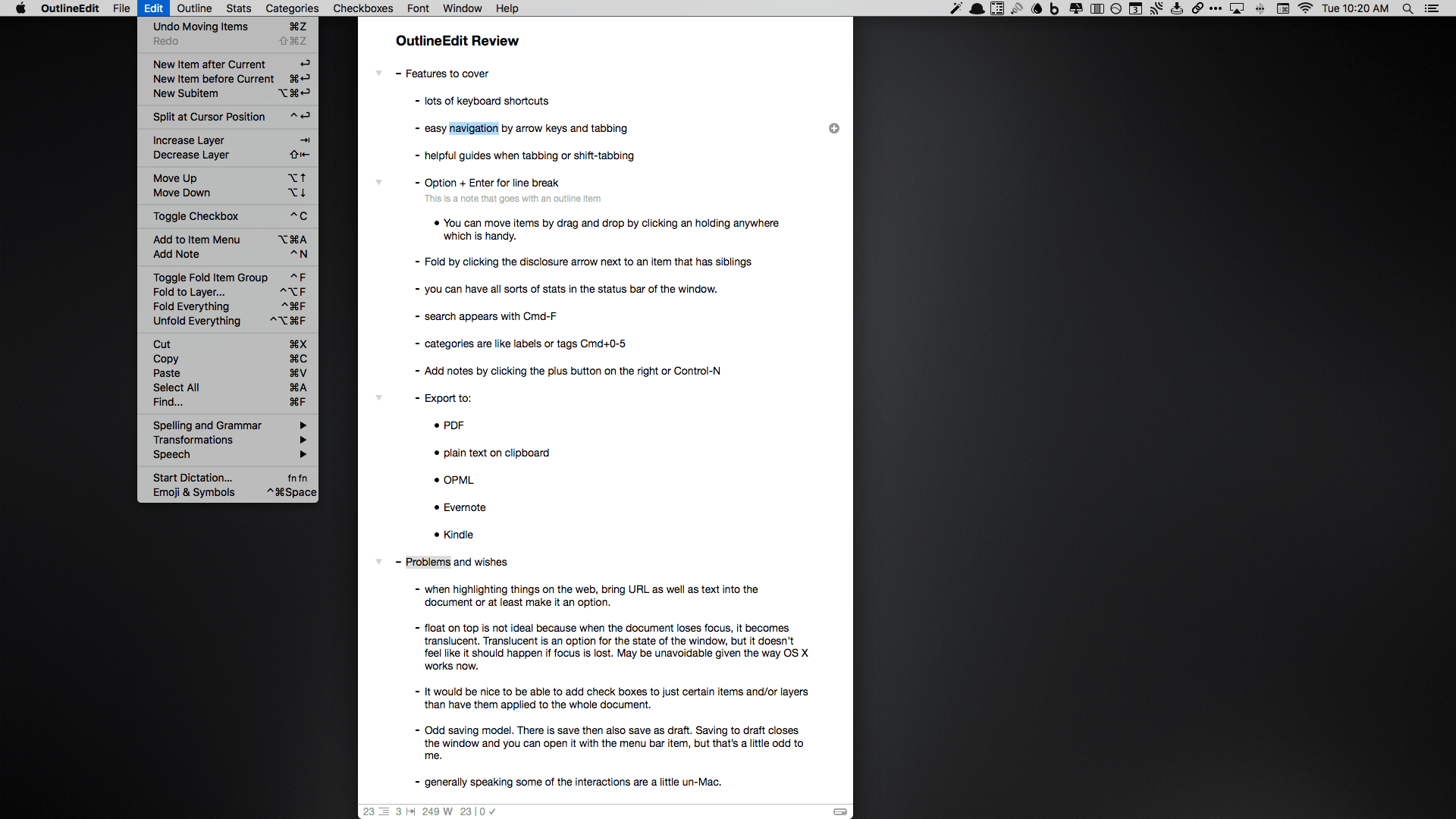
I think in outlines. I suppose that’s because it’s what I was trained to do. You see, when I was in law school, we would make elaborate outlines of the subjects we studied to prepare for exams. So over time, I developed a knack for breaking down topics into their component ideas and imposing a hierarchy on them. Nowadays, I still make outlines, but they are usually simple ones that I create while taking notes or brainstorming ideas. I discovered OutlineEdit from Robin Schnaidt recently, and it immediately stuck with me. The speed with which I can get ideas out of my head, into an outline, and then move them around has made it a go-to tool when I’m working on my Mac.

Read more


Hazel 4 Adds Rule Previewing, Sync, and More

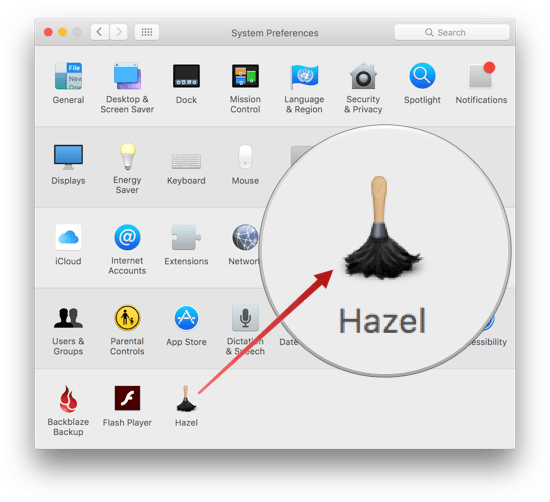
Hazel is one of the first utilities that I install when I get a new Mac. Judging from the Noodlesoft forums, there are many people who use Hazel far more heavily than I do, but it is no less important to my Mac setup. By automating what would otherwise be repetitive file management tasks, Hazel helps keep me focused on more important tasks. Today, Hazel 4 was released with new features and refinements that bring new power and convenience to an already exceptional app.

Read more


Apple Releases ‘Moms’ TV Ad

Having a good camera won’t make you a better photographer, but having a good camera with you all the time means you have a chance to capture something special when the opportunity presents itself. That’s the power of Apple’s Shot on iPhone series.

Today, Apple released a special 30 second Shot on iPhone television advertisement called ‘Mother’s Day.’ The ad features photographs of mothers and their children, including three short video clips. Each photo also lists the first name and last initial of the photographer who took it.

Permalink

Telegram Audio Clip Workflows

Since starting the MacStories Lounge Telegram channel, Federico and I have been experimenting with posting short form audio clips several times a week. We both record on iOS, but I also periodically record on my Mac. iOS is the key though, because it gives both of us the flexibility to record just about anywhere,...


Tips

We’ve all been there. You make airline or hotel reservations in Safari and need to share the receipt with someone. You could print a PDF to your desktop and then drag the PDF into Mail, Messages or another app, but you can skip that step altogether by creating a shortcut that lets you print...